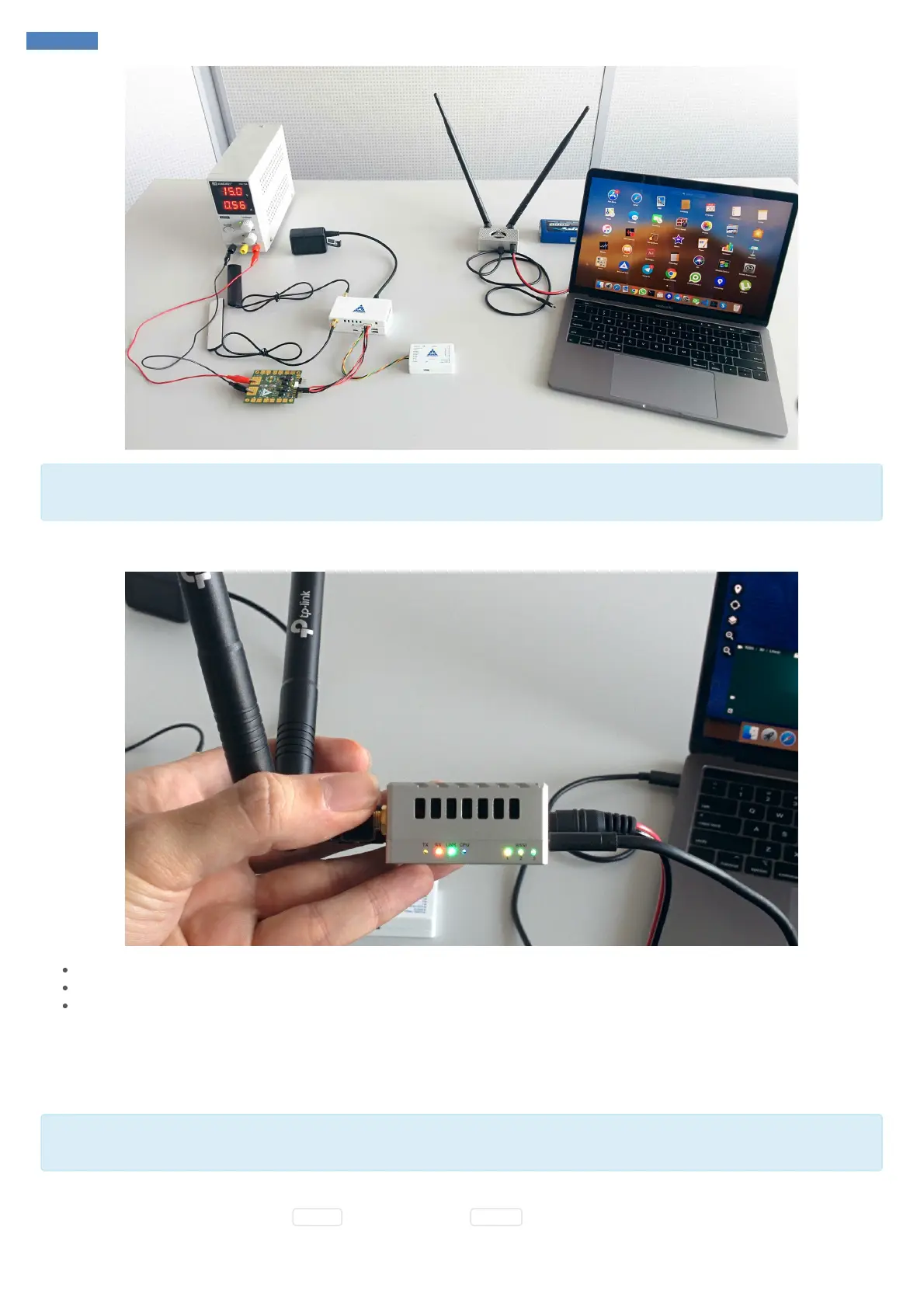
It might take up to 15 seconds to both modules properly boot up and link to each other. By default, modules come pre-configured and paired.
Transmission power is set to minimum.
Ground module has status LEDs which allow to identify the current status of the system. Most important are RSSI LEDs:
Three RSSI LEDs blinking altogether: RF off
Three RSSI LEDs blinking in turn: Searching for pair
One, two or three LEDs solid: RSSI status, more solid LEDs equals better signal
Software
Verify SmartLink was discovered
Normally you don't need to run the steps in this section since SmartLink should be recognized automatically. But the steps in this section
might be useful for establishing connection unless it's done automatically.
First of all, check if SmartLink ground module has been recognized properly by your computer. You should be able to see it as Ethernet device.
For instance, go to command line and type ifconfig for MacOS / Linux or ipconfig for Windows:



 To Next Page