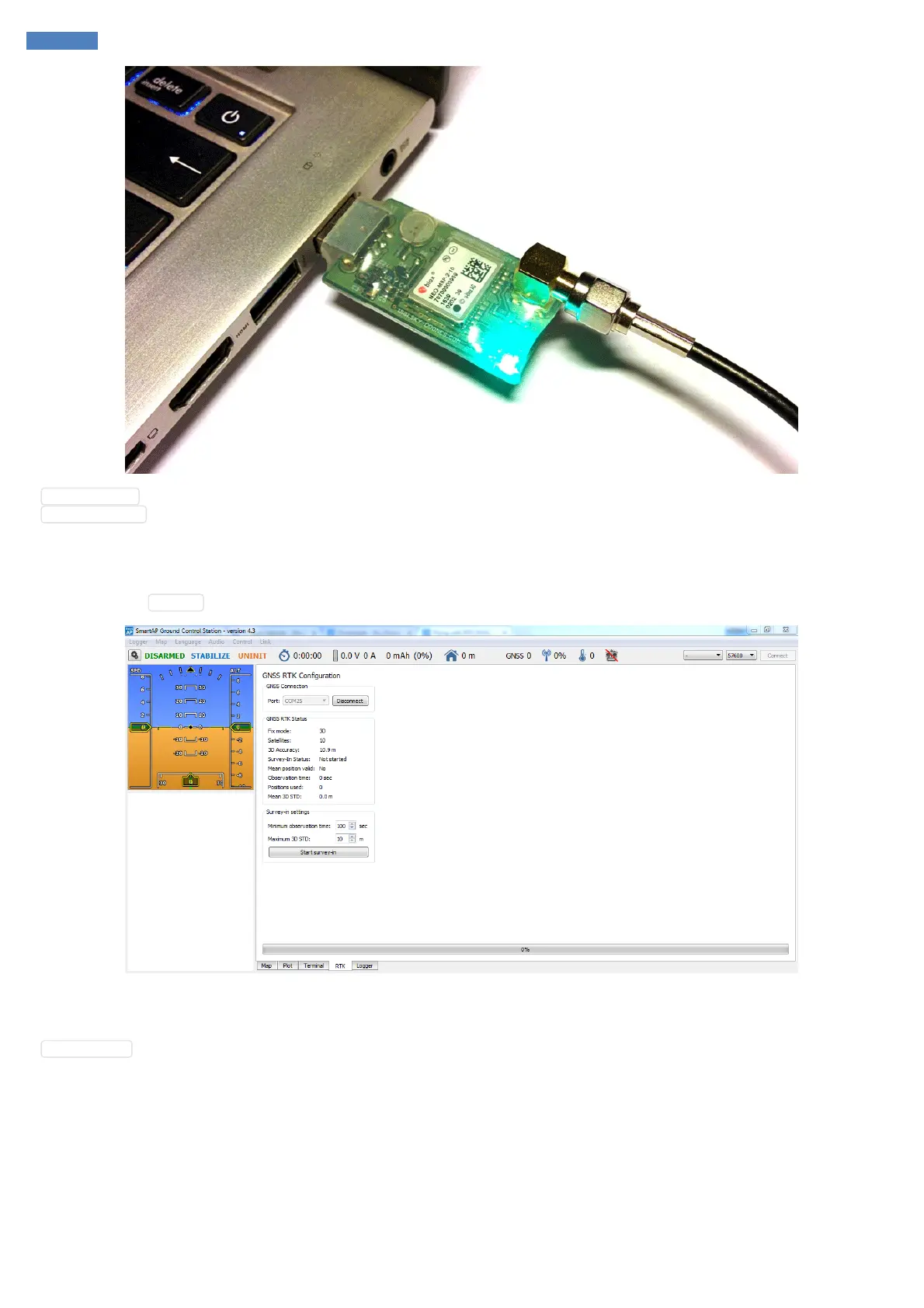
Solid green LED - Power is on and module is working
Blinking blue LED - GNSS module has 3D position fixed
Connecting in SmartAP GCS
First of all open SmartAP GCS and connect to the drone. Then go to RTK tab in bottom part of the Main Window. Choose the COM port of GNSS
module and press Connect button. Once you're connected you'll see the status of the base station module.
Starting Survey-In
Once the base station has enough satellites visible, solid 3D fix and position deviation is not high you can start Survey-In procedure by pressing
Start Survey-In button. This procedure determines the accurate position of the base station based on the measurements. By default, it’s set to
run at least 3 minutes and the accuracy deviation should be less than 1 meter. It's obvious that longer measurements and smaller deviation will
increase the accuracy of corrections sent to the Rover. The measured accuracy and progress are shown on the screen. This process migh take a
few minutes.



 To Next Page