EasyManua.ls Logo

Sky-Drones SMARTAP PRO - Logs Analysis; Viewing and Plotting Log Data

Sky-Drones SMARTAP PRO
152 pages
Print Icon
To Next Page IconTo Next Page
To Previous Page IconTo Previous Page
Loading...
Modes overview
Transmitter commands
Flying with SmartAP GCS
Flying with RTK GNSS
Geotag images
Logs analysis
Processing the Logs
Logs analysis
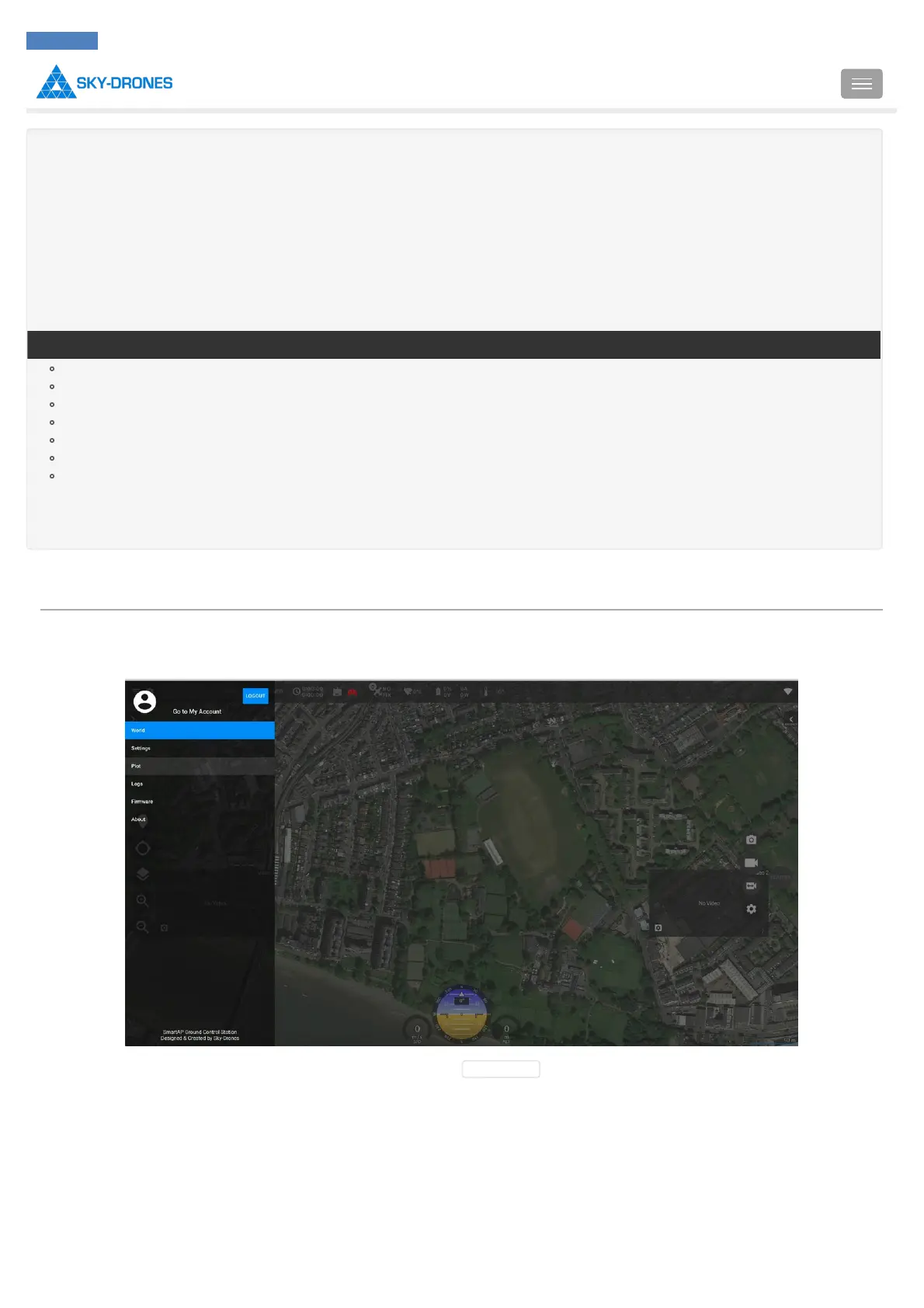
SmartAP GCS allows to view, analyze and export logs recorded on SD card of the flight controller.
To view the logs - go to SmartAP GCS > Plot tab in the left drawer.
Once switched to Plot tab click Settings in the top right corner and select Open log file :
Introduction
SmartAP PRO
SmartAP MAX
SmartAP PDB
SmartAP GNSS
SmartLink
Autopilot configuration
Flying
Support
Revision history
SmartAP AutoPilot User’s Guide Logs analysis
Sky-Drones - SmartAP Flight Control Systems 145 / 151

Table of Contents

Related product manuals