EasyManua.ls Logo

Sky-Drones SMARTAP PRO - Updating GNSS Module

Sky-Drones SMARTAP PRO
152 pages
Print Icon
To Next Page IconTo Next Page
To Previous Page IconTo Previous Page
Loading...
Drivers installation
Getting the software
Firmware update
General configuration
Standard PID presets
Updating GNSS Module
Getting U-Center
RTK GNSS Configuration update
SmartAP PRO Onboard GNSS module update
Flashing Bootloader
Flashing DFU (old)
Updating GNSS Module
Sometimes it might be needed to update the configuration of GNSS receiver. It can be done for both airborne and ground module (RTK GNS).
Latest configuration files as well as configuration tool can be found in the downloads section on the website http://sky-drones.com/dload
Getting U-Center
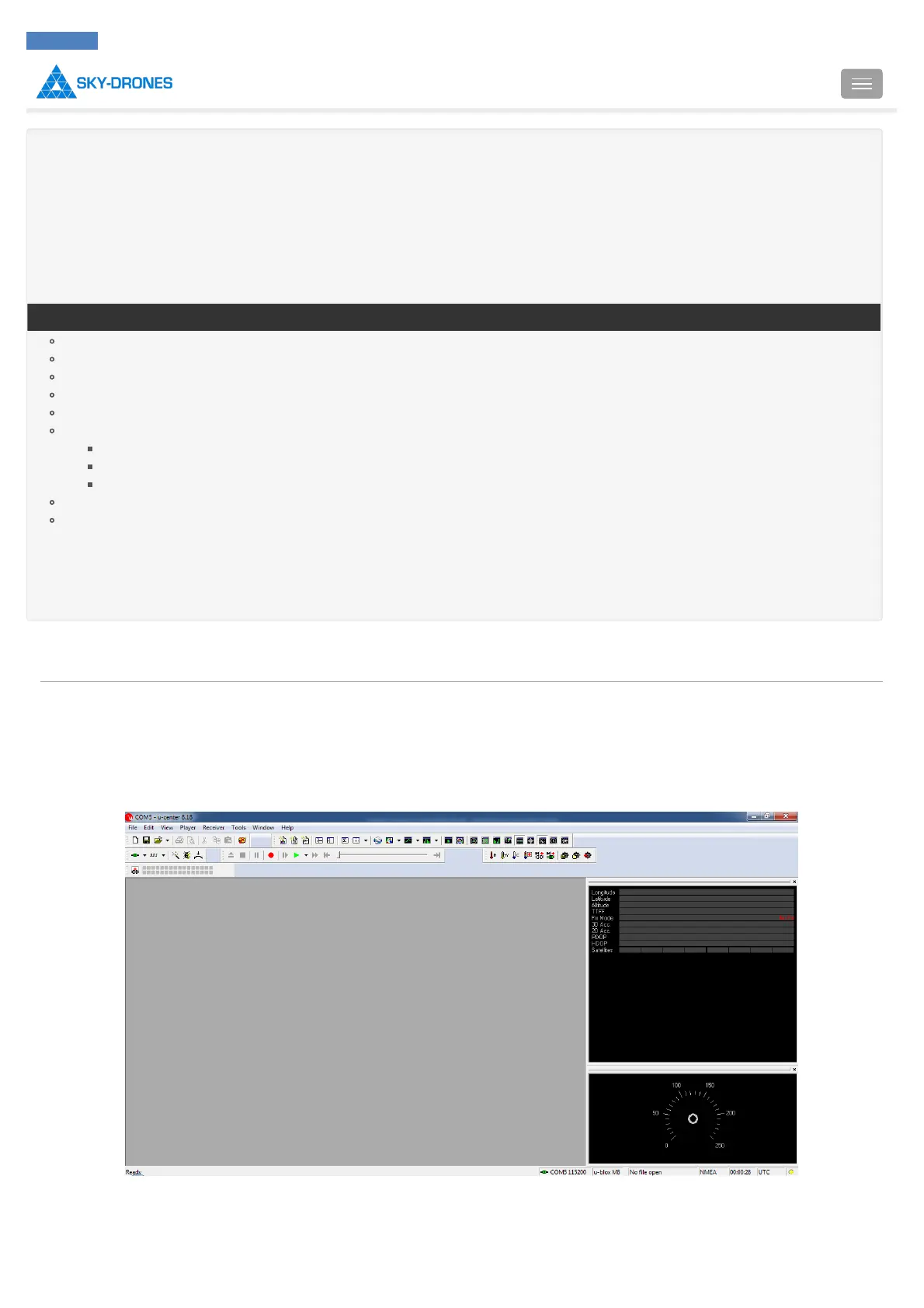
First of all you need to download and install UBlox U-Center utility. After completing the installation run the program.
RTK GNSS Configuration update
Plug in RTK GNSS Module to the USB port of your computer and make sure that the green LED is solid.

Introduction
SmartAP PRO
SmartAP MAX
SmartAP PDB
SmartAP GNSS
SmartLink
Autopilot configuration
Flying
Support
Revision history
SmartAP AutoPilot User’s Guide Updating GNSS Module
Sky-Drones - SmartAP Flight Control Systems 113 / 151

Table of Contents

Related product manuals