EasyManua.ls Logo

Sky-Drones SMARTAP PRO - SmartAP MAX Installation; Mounting the System; Connecting Peripherals

Sky-Drones SMARTAP PRO
152 pages
Print Icon
To Next Page IconTo Next Page
To Previous Page IconTo Previous Page
Loading...
Specifications
Installation
Mounting the System
Autopilot
GNSS / MAG
Connecting Peripherals
RC Receiver
ESC / Motors PWM
GNSS / MAG
Telemetry Module
Power Module
Electromagnetic sounder
Camera trigger
Assembled System
Installation
Mounting the System
Autopilot
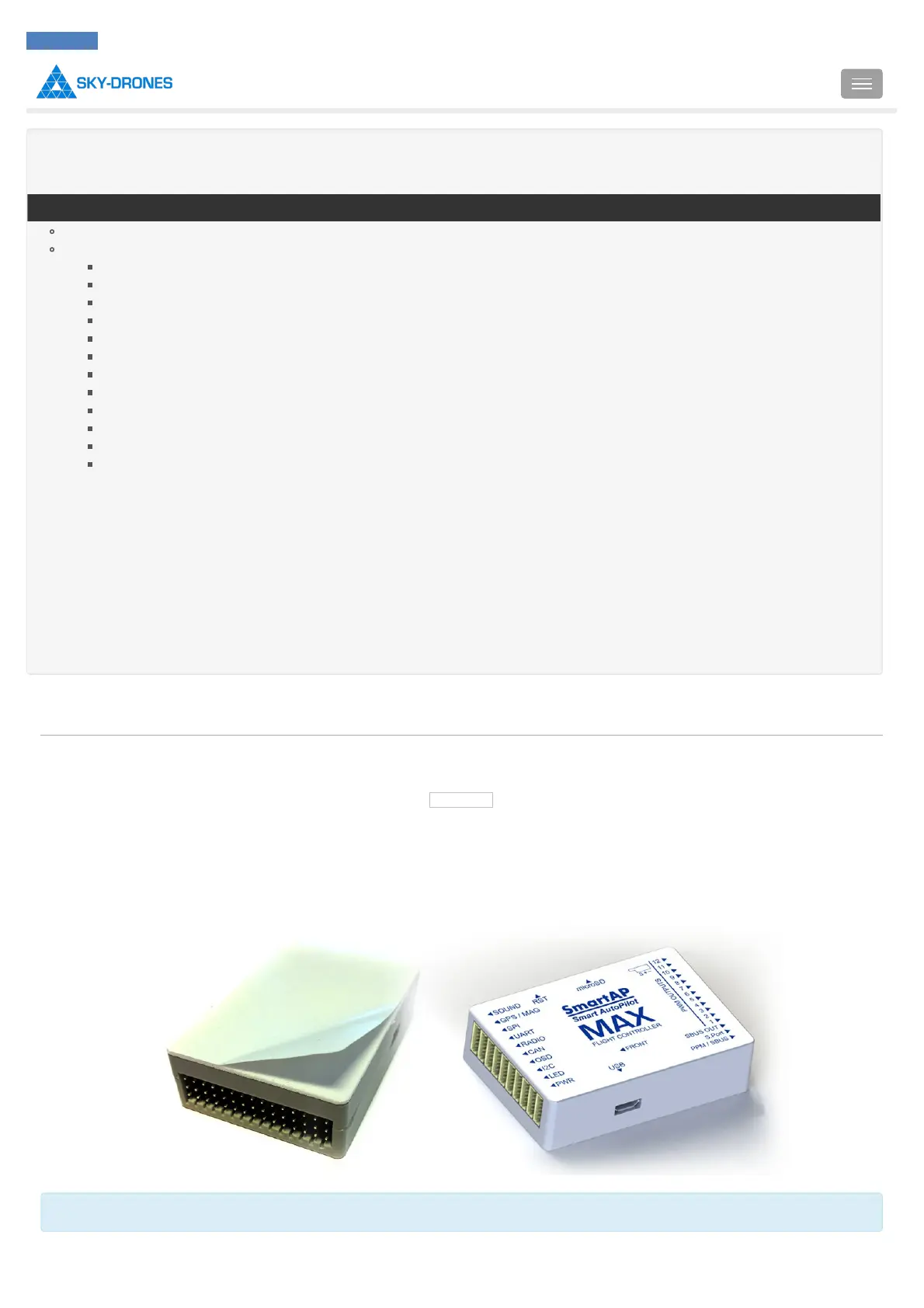
The bottom side of the autopilot has special double-sided foam tape. Remove the protection layer of the anti-vibration tape and mount the
autopilot any direction you want, the actual direction can be selected during configuration procedures later. It’s recommended to mount the
autopilot as close to the center of gravity as possible.
"FRONT" arrow indicates the original flight direction. Can be changed in the settings later.
Introduction
SmartAP PRO
SmartAP MAX
SmartAP PDB
SmartAP GNSS
SmartLink
Autopilot configuration
Flying
Support
Revision history
SmartAP AutoPilot User’s Guide Installation
Sky-Drones - SmartAP Flight Control Systems 29 / 151

Table of Contents

Related product manuals