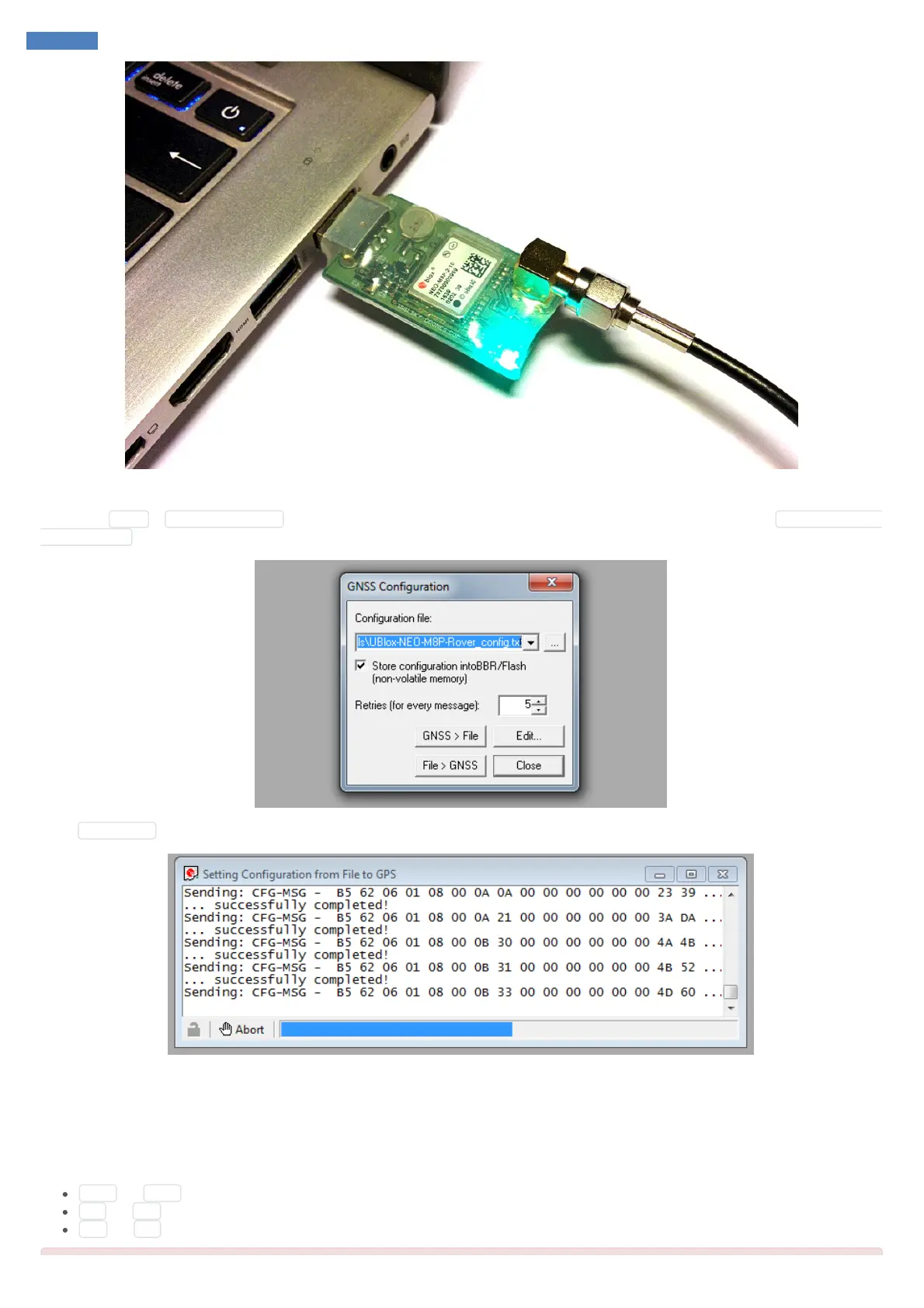
Then go to U-Center utility and setup the connection in the top-left corner: choose the right COM port and set the baud rate to 115200.
Then go to Tools > GNSS Configuration and select the Configuration file (it’s available for download from the website). Set Store configuration
into BBR / Flash checked.
Press File > GNSS button, the update process should start.
If the messages dialog closes itself in about a few seconds and you can’t see any error messages or reports then it means that the configuration
of the GPS receiver has been successfully updated.
SmartAP PRO Onboard GNSS module update
Connect your FTDI cable to the GPS port of the flight controller as following:
GND <-> GND
TX <-> RX
RX <-> TX



 To Next Page