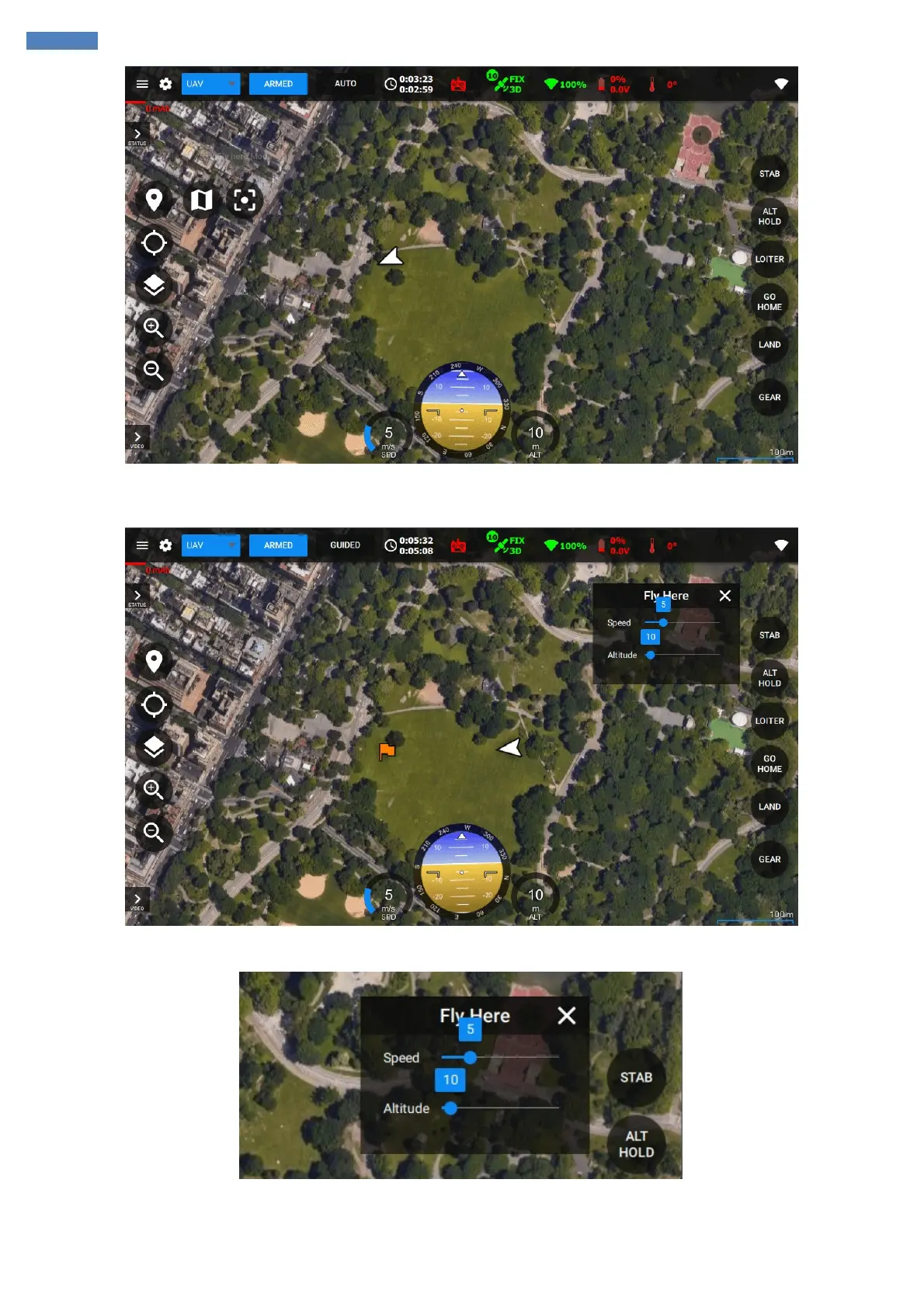
Once you clicked on the map the vehicle will start flying to that point and you will see the cross on the map indicating the target position of the
vehicle.
The altitude and speed for the guided point can be set in the Flyhere settings menu on the top-right:
If you want to change the position of the vehicle you can simply drag&drop the cross on the map or right-click on the map and click Fly Here.
Repositioning can be done anytime.
Once the vehicle achieved the target position it starts hoveing at the point awaiting for the other point or flight mode change.



 To Next Page