14
Skydio X2D INTL - Operator Manual © 2023 Skydio, Inc. All rights reserved.
Getting Started
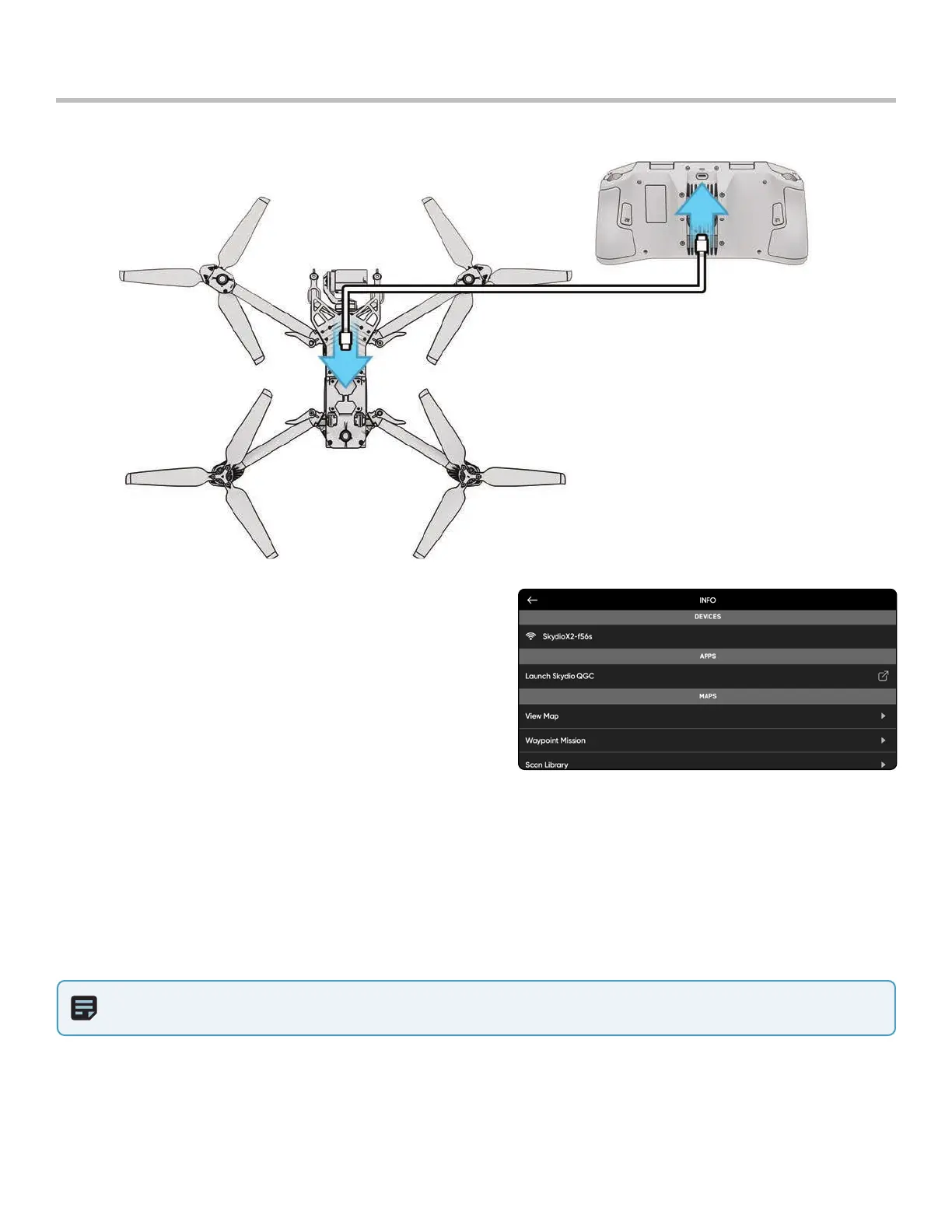
Pair devices
Your Skydio X2D needs to be paired with the Enterprise Controller to fly.
NOTE: Skydio Enterprise Controller can only be paired with one drone at a time.
Step 1 - Power on X2D and Enterprise Controller
Step 2 - Connect the controller to X2D
• Using the USB-C cable
• Wait approximately 15 seconds
Step 3 - Verify that your Skydio X2D was paired
• Select the INFO menu
• The drone name is listed under Paired Drone



 To Next Page