76
Skydio X2D INTL - Operator Manual © 2023 Skydio, Inc. All rights reserved.
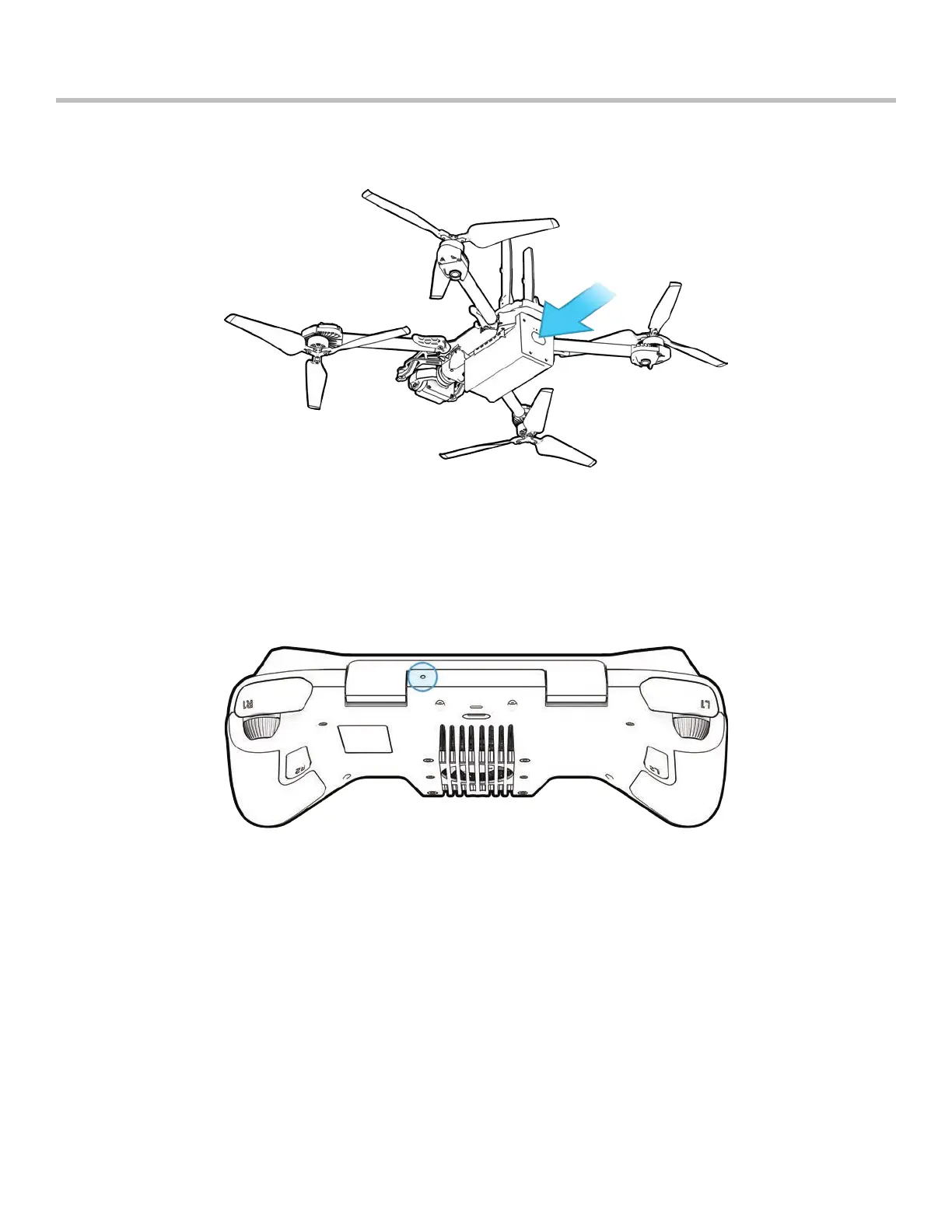
If Skydio X2D is unresponsive or o-nominal state, power-cycle the drone either using the power button or removing
the battery.
Troubleshooting
If your Skydio Enterprise Controller is in an unresponsive or other o-nominal state, you may need to perform a hard
reset. This will power o the controller and allow you to reboot, hopefully resolving any issues.
To reset your Controller:
• Press the hard reset button using the tip of a paper clip
• Select either Power O or Restart
Your Controller will restart or power o, allowing you to power it back on again.
Resetting Skydio Enterprise Controller
Resetting Skydio X2D



 To Next Page