67
Skydio X2D INTL - Operator Manual © 2023 Skydio, Inc. All rights reserved.
Maintenance
WARNING: Propeller blades are sharp. Handle with care. Always ensure X2D is turned o before replacing the propellers
to avoid injury. Do NOT attempt to replace the propellers while the Skydio X2D is powered on. Doing so is an extreme
safety risk and may lead to serious bodily harm or injury.
For optimal performance, Skydio recommends replacing your propellers after 100 hours of flight time or if they are
damaged. Always replace all three propellers in the hub. Replacing all three propellers will reduce any potential
variation between the propellers and track propeller flight time.
Replace propeller blades
WARNING: Propellers with hairline cracks or large breaks, chops, or bends should be replaced immediately. Do NOT fly
the X2D with propellers that are not in good condition as serious bodily harm or injury may occur.
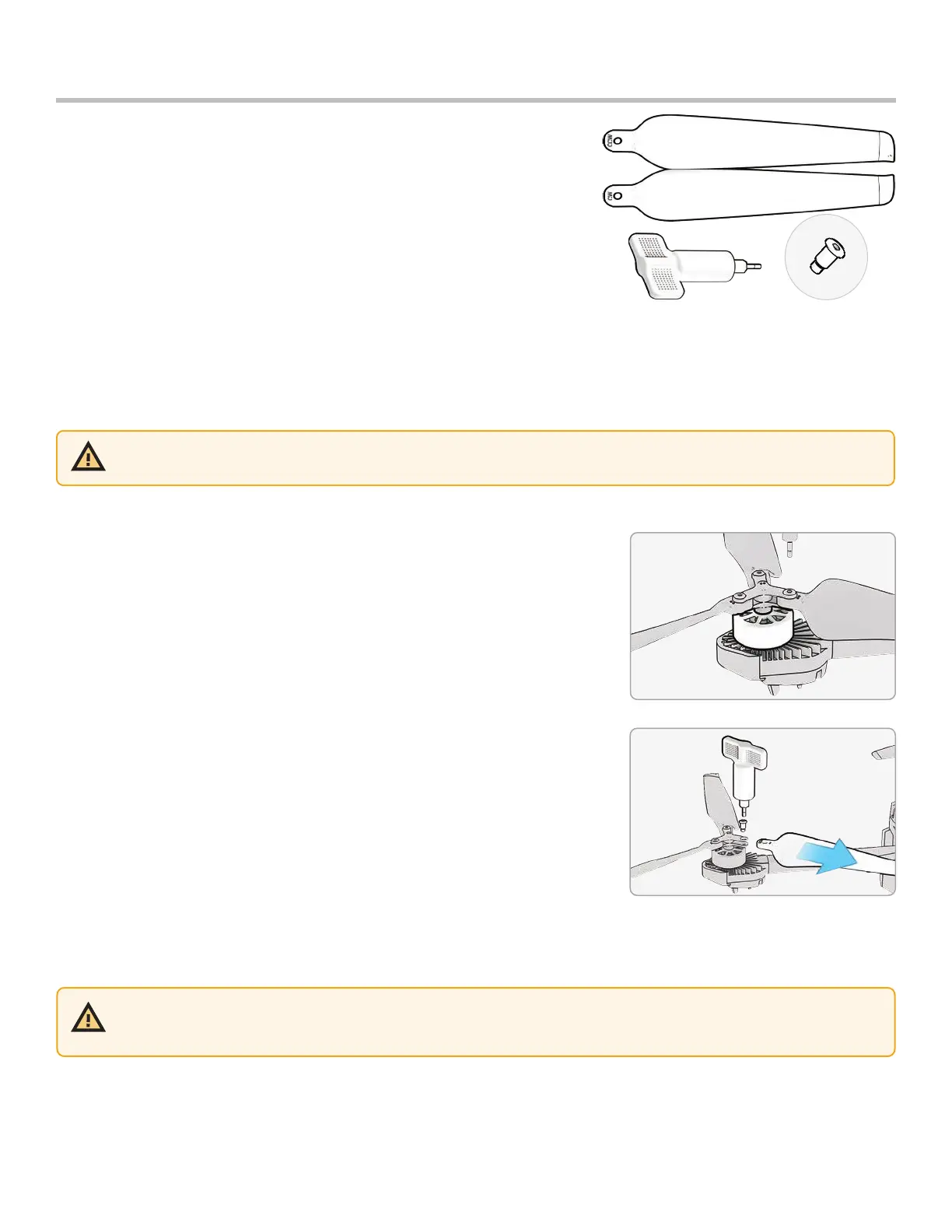
Step 1 - Identify the damaged propeller
Step 2 - Hold onto the motor or the propeller hub to stabilize the motor
Step 3 - Unscrew the propeller pin using the Torque driver
• Slide the propeller out of the propeller hub, then repeat with the
remaining two propellers in the hub
• Replace all three propellers in that hub. All three replacement
propellers must come from the same replacement kit
• Dispose of the removed propellers
If you purchased the Skydio X2D Propeller Kit or an X2D bundle, you
received the equipment necessary to replace your propellers:
• even dot pattern props (6)
• odd dot pattern props (6)
• replacement propeller screws (12)
• torque driver tool that is included with your Skydio X2D



 To Next Page