51
Skydio X2D INTL - Operator Manual © 2023 Skydio, Inc. All rights reserved.
Flight
Panorama
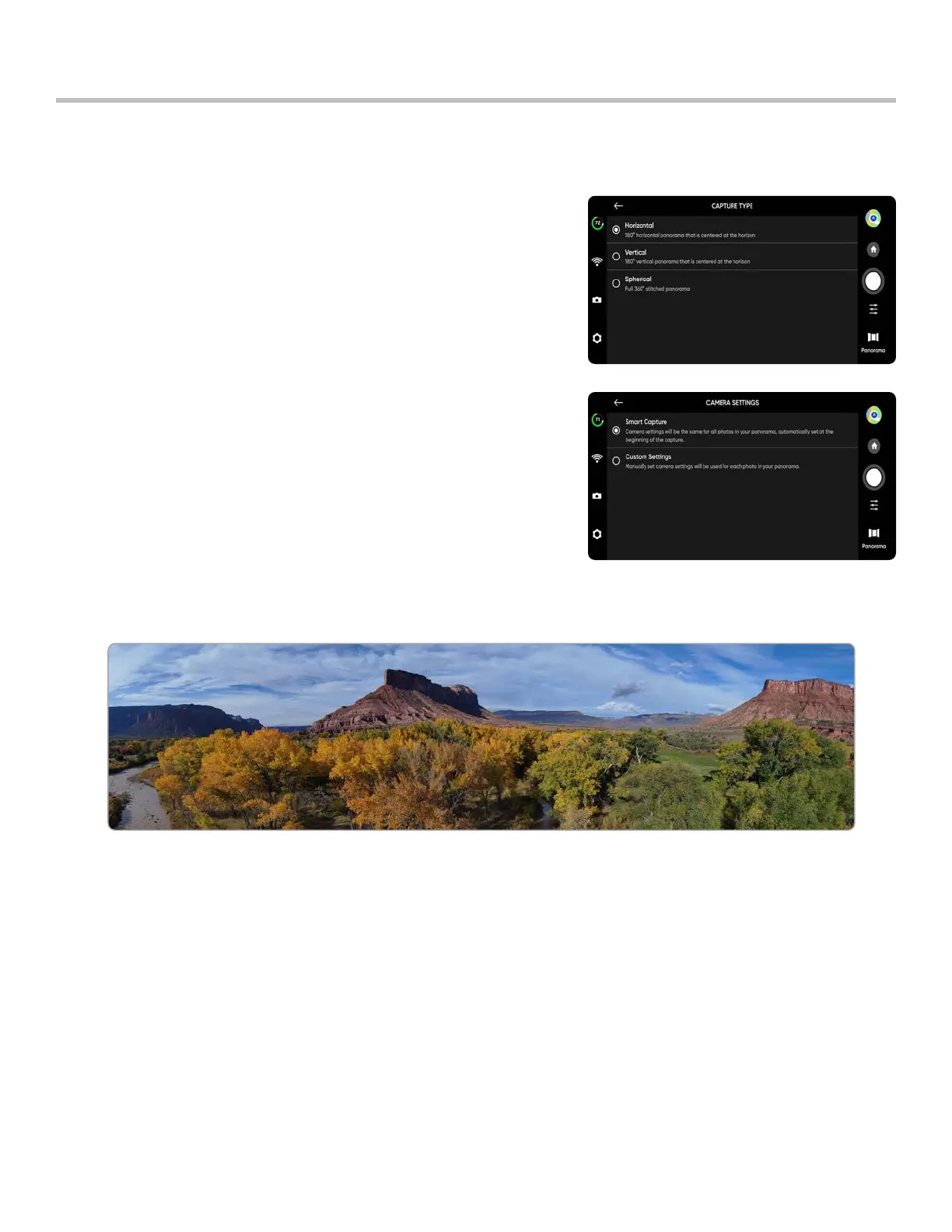
The Panorama skill allows you to take three dierent types of panoramic photos:
• Horizontal - captures a 180° horizontal panorama
• Vertical - captures a full 180° degree vertical panorama
• Spherical - captures a full 360° degree equirectangular image
To capture panorama images:
Step 1 - Select Begin Flight and launch
Step 2 - Select Panorama from the skills menu
Step 3 - Select Capture Type
Step 4 - Open the Skill Settings and select the Camera Type
Step 5 - Use Panorama Live Preview to frame the shot
• The camera feed will display a low-resolution live preview
• Fly to your desired location and adjust the roll, pitch, yaw and throttle to encompass the scene



 To Next Page