17
Skydio X2D INTL - Operator Manual © 2023 Skydio, Inc. All rights reserved.
Anti-flicker
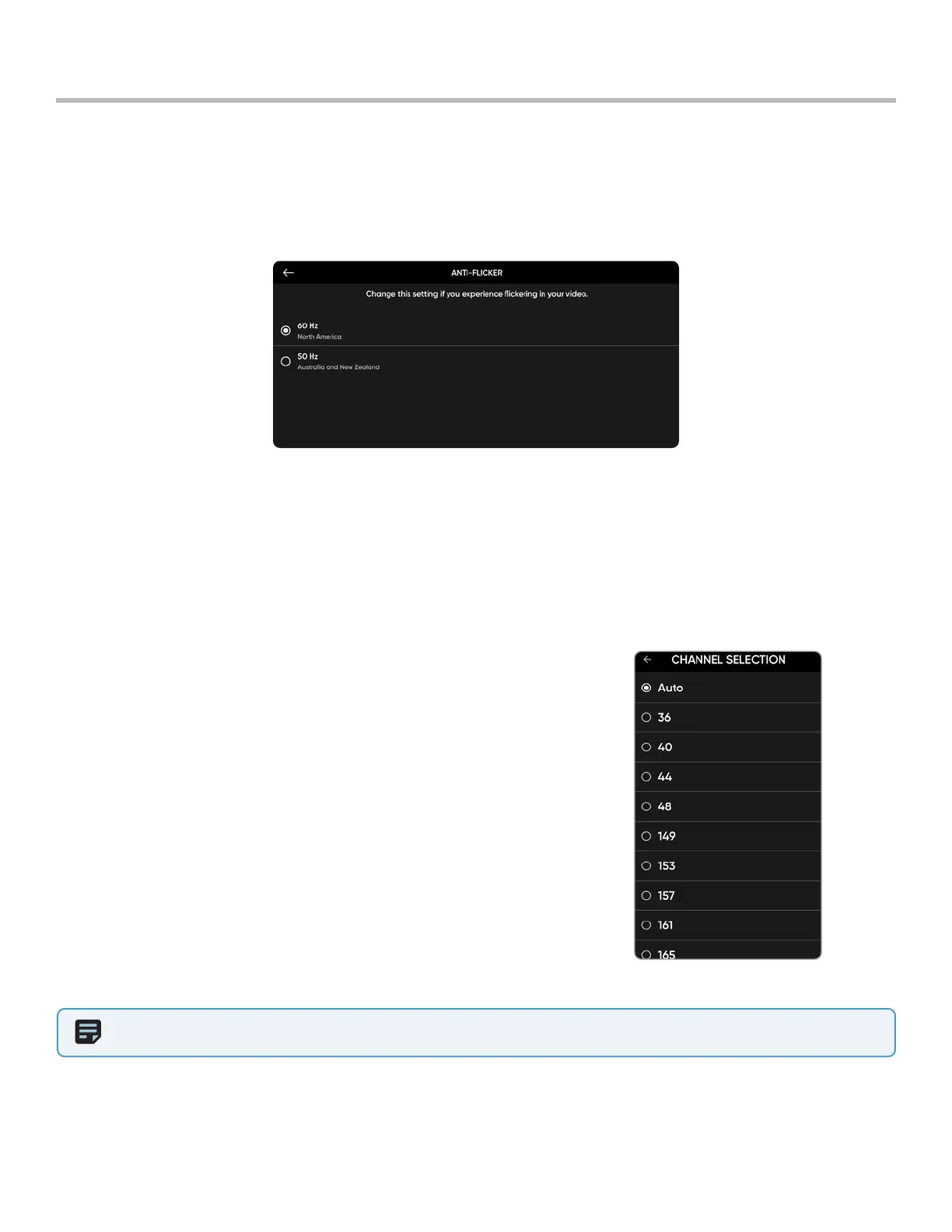
Adjust anti-flicker settings if you experience flickering in your video. The setting will persist across flights and power
cycles.
• 60 Hz (default) - North America
• 50 Hz - Europe, Australia, Africa
Getting Started
Channel Selection X2D 5 GHz
Manually select your radio frequency channel to avoid congestion from other signals. These are standard 5 GHz WiFi
channels that correspond to the following frequencies:
• Auto
• 36: 5180 MHz
• 40: 5200 MHz
• 44: 5220 MHz
• 48: 5240 MHz
• 149: 5745 MHz
• 153: 5765 MHz
• 157: 5785 MHz
• 161: 5805 MHz
• 165: 5825 MHz
To select channels:
Step 1 - Select the Settings icon
Step 2 - Select the Drone tab
Step 3 - Select Radio Channel
NOTE: Skydio recommends leaving the Channel Selection set to Auto for best results.



 To Next Page