16
Skydio X2D INTL - Operator Manual © 2023 Skydio, Inc. All rights reserved.
Getting Started
Step 1 - Access the files from Skydio Fleet Manager for Oine Drones
• a .zip file which is the update for your X2D vehicle
• a .tar file which is the update for your Skydio Enterprise Controller
Step 2 - Generate the .zip file and download the .tar file
Step 3 - Insert a memory drive into your computer
Step 4 - Copy the oine_ota folder and the .tar file into the root level of your memory drive
• So that they are not contained inside any other folders
• Safely eject the memory drive from your computer
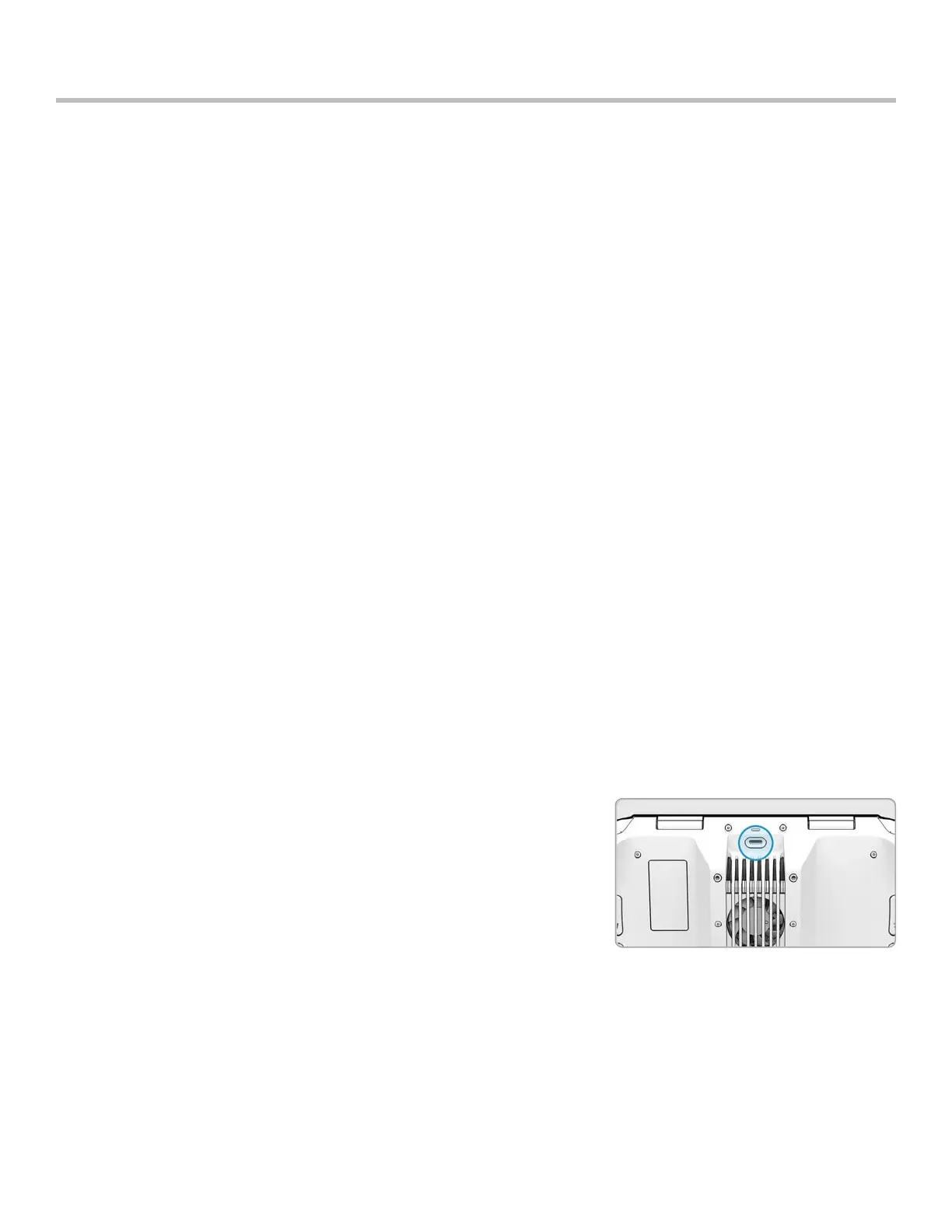
Step 5 - Insert the memory drive into the USB-C port on the vehicle
Step 6 - Power on the vehicle
• The update will begin automatically
• The lights on your drone will pulse blue
• The camera gimbal will disengage and go slack
• The process may take several minutes
• When the update is complete, the camera gimbal will re-engage
Step 7 - Remove the memory drive
Verify you have correctly installed the update
Step 8 - Power on your Skydio X2D and Skydio Enterprise Controller and connect
Step 9 - Select the INFO menu
Step 10 - Select Paired Drone
• verify that the software version listed matches the software version provided by Skydio
Step 1 - Power on your controller
Step 2 - Select the INFO menu
Step 3 - Select Controller Update
Step 4 - Insert the memory drive into your controller
Step 5 - Select Update
Step 6 - Navigate to the memory drive root folder
Step 7 - Select the update .tar file
Step 8 - Select Done
• The update will begin automatically
• Allow up to five minutes for the update to complete
• During this process, your controller may restart multiple times
Step 9 - Verify that the version number matches the version number provided by Skydio
Update Skydio Enterprise Controller
Update using the secure download



 To Next Page