29
Skydio X2D INTL - Operator Manual © 2023 Skydio, Inc. All rights reserved.
Pre-flight
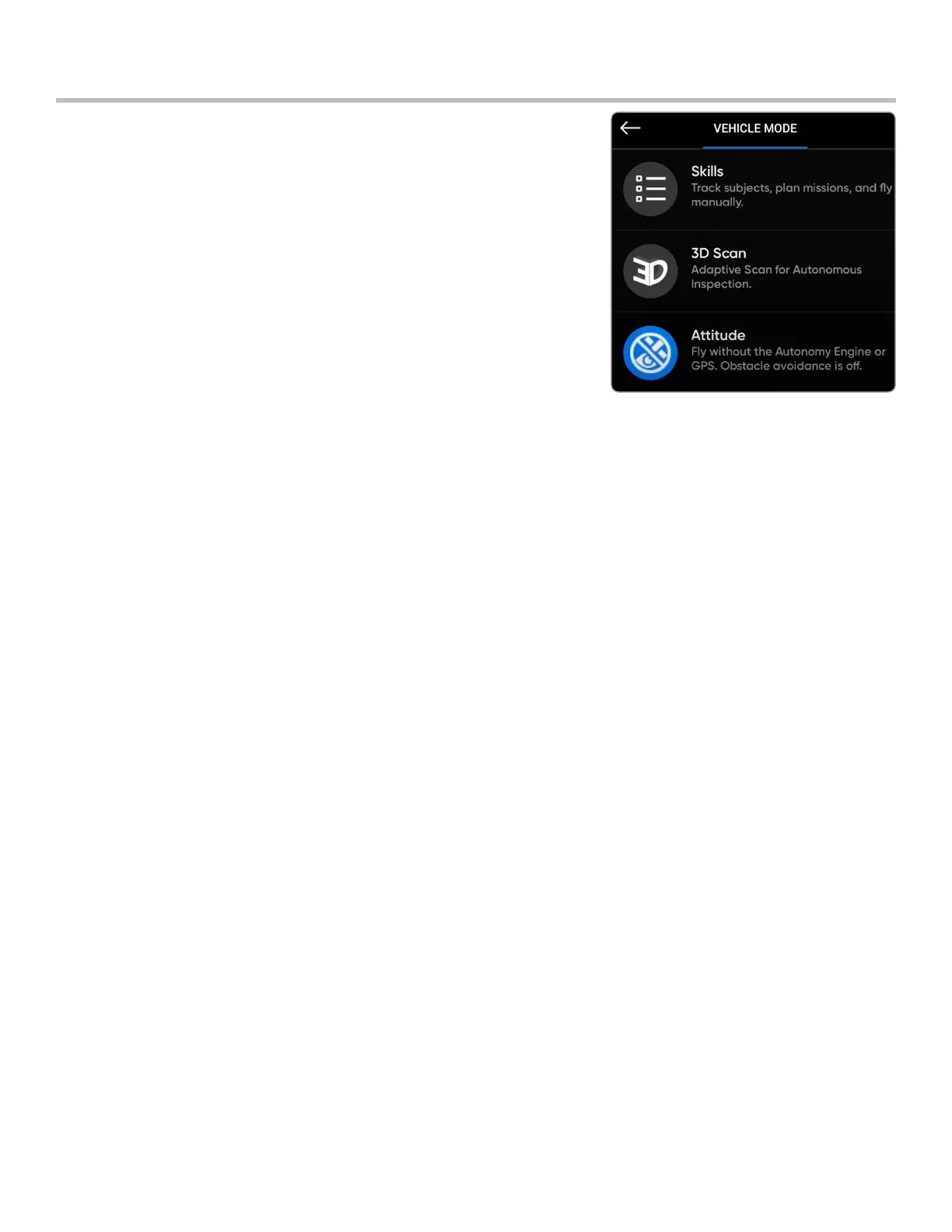
Vehicle Mode
Skydio oers a range of manual and autonomous controls called flight skills. Select your desired skill and Skydio X2
will intelligently fly itself to get the best shot. Access available skills by selecting the Skill Menu and adjust the controls
by selecting the Skills settings.
Skills
Skydio oers three vehicle modes selected pre-flight for a customized
flight experience. Vehicle Modes persist across flights and power cycles.
To exit, land and select a new vehicle mode. Vehicle modes include:
• Skills (default)
• 3D Scan (additional license required)
• Attitude
To initiate a 3D Capture or 2D Capture you need to change the Vehicle Mode from Skills to 3D Scan. Your Vehicle
Mode will persist through flights and power cycles.
3D Scan
Step 1 - Power on your drone and controlling device
Step 2 - Select Use 3D Scan
Step 3 - Confirm reboot
• The drone will automatically restart and reconnect to the controlling device
• Ensure your Logs Card has been formatted before starting a scan



 To Next Page