63
Skydio X2D INTL - Operator Manual © 2023 Skydio, Inc. All rights reserved.
Emergency Behaviors
When Skydio X2D battery is low, there will be a series of notifications and actions to ensure a safe landing:
• X2D will assess your altitude and distance from the Home Point, and warn you when it is time to return home. It is
recommended that you initiate a return or land at this time, however you can choose to keep flying.
• X2D will then notify you when it has 2 minutes of flight time left based on its current altitude and the battery
indicator will begin a two-minute countdown. You may choose to continue flying, however it is strongly
recommended that you fly to a safe location and land.
• When the two-minute countdown is complete, X2D will initiate an automatic landing that you will be unable to
cancel. You will maintain the ability to nudge the drone in roll, pitch, and yaw to avoid any obstacles.
If X2D enters an unexpected state that it cannot recover from, it will automatically initiate an emergency landing. An
alert notification will display that X2D is initiating an emergency landing.
• X2D will try to use the navigation cameras and GPS system to descend vertically. If these are not available, the
vehicle will descend quickly using only the barometer which may result in lateral drift.
• If the emergency has been resolved X2D will stop emergency landing and you will regain control of the drone.
Low battery
Emergency landing
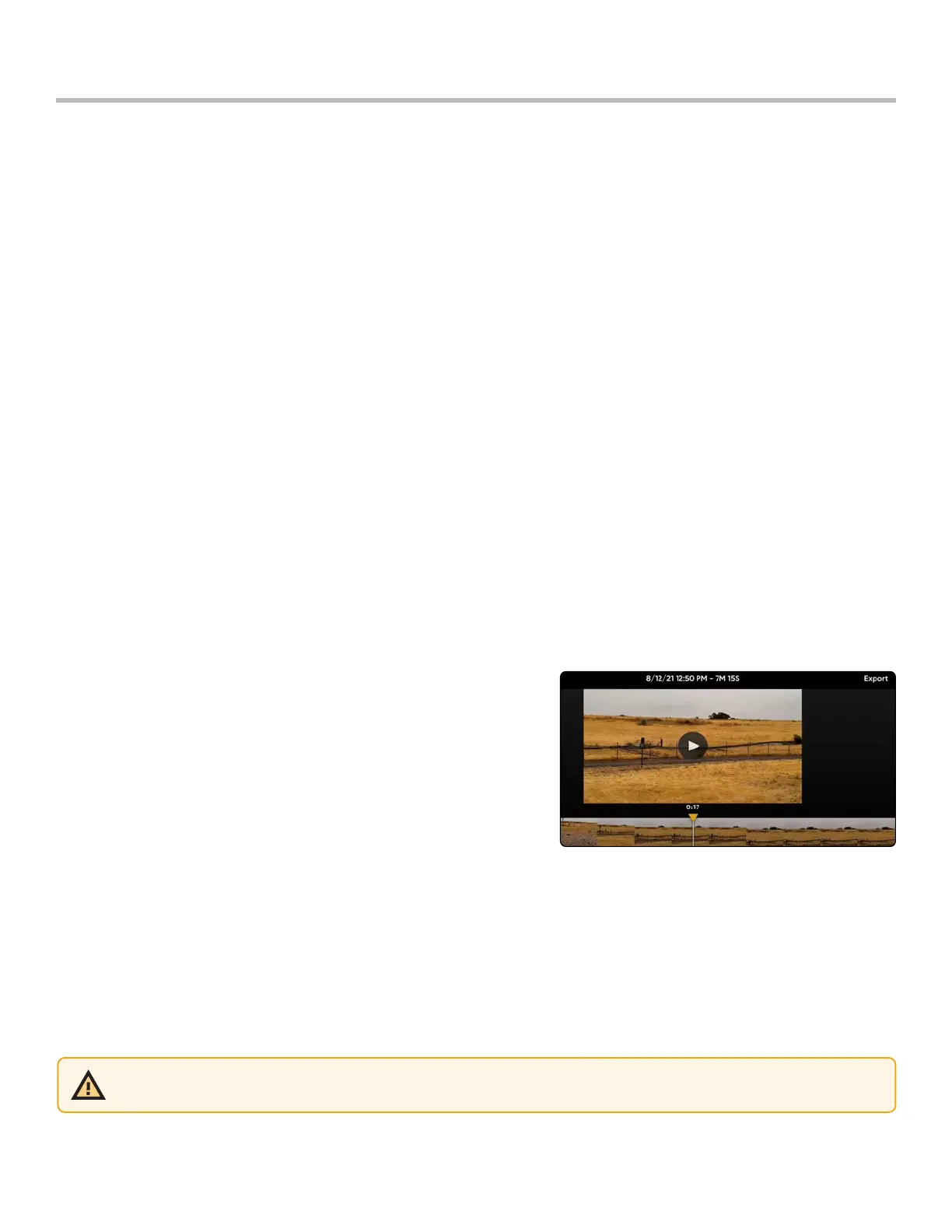
Designed to assist with locating your drone in the event of a crash, emergency landing, or low battery landing in
an unintended location. Review the video of your 10 most recent flights, even when your phone or controller is not
connected to X2D.
Step 1 - Select the INFO menu
Step 2 - Select your vehicle
Step 3 - Select View last Flights
Step 4 - Select a flight to review the video
View Last Flight
Emergency Flight Termination
Terminate your flight in the event of an extreme emergency. Simultaneously press and hold the Land and Return
buttons for three seconds while in flight to immediately stop your drone’s motors.
WARNING: Terminating a flight will cause your drone to crash. Damage resulting from Flight Termination is not covered
under warranty and may result in injury or damage. Use only in extreme situations.
To export the videos
Step 1 - Insert a USB-C memory drive into your Enterprise Controller
• the memory drive must be formatted in ExFAT
Step 2 - Select Export



 To Next Page