32
Skydio X2D INTL - Operator Manual © 2023 Skydio, Inc. All rights reserved.
Pre-flight
Flight controls
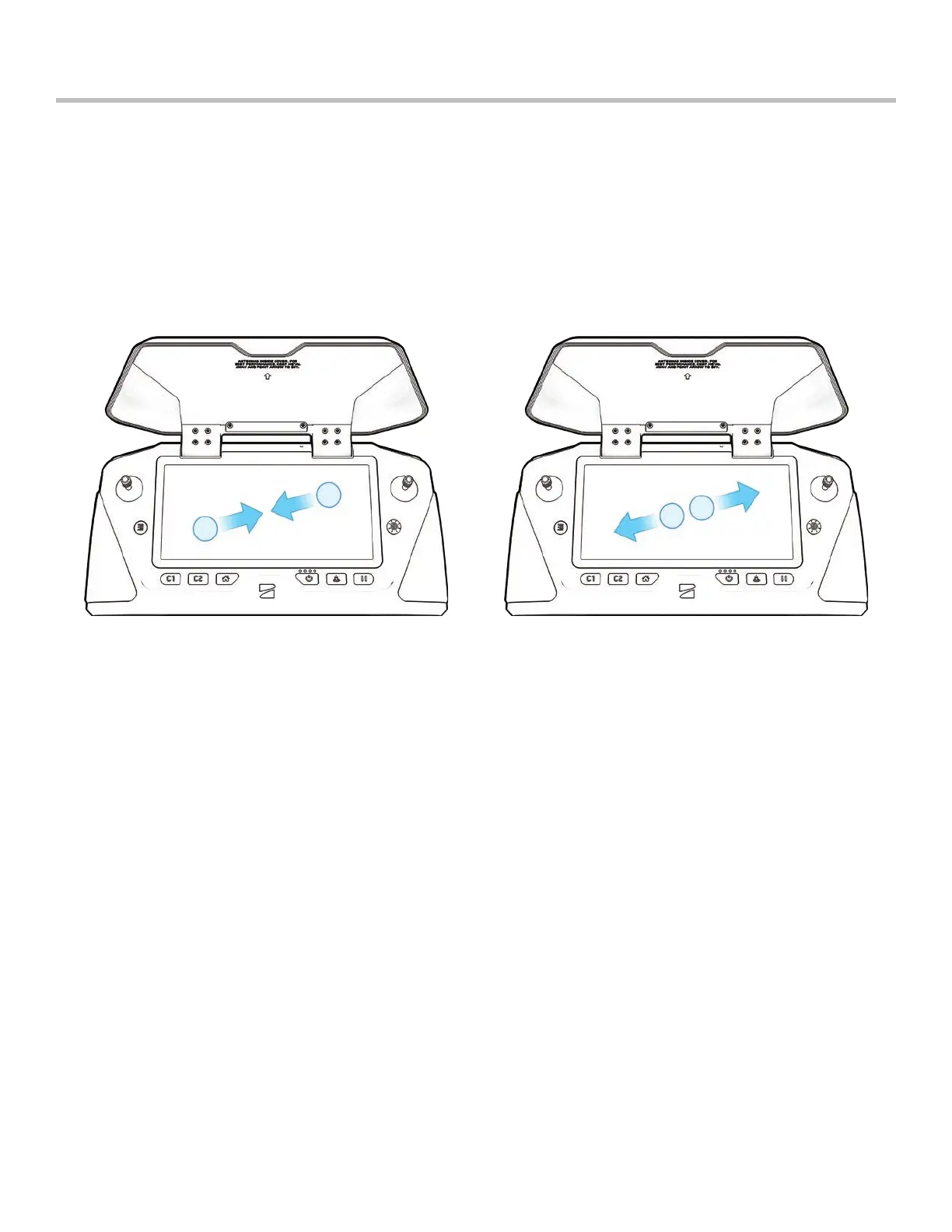
Touch gestures:
• Drag vertically to increase or decrease gimbal pitch
• Drag horizontally to adjust yaw
• Pinch and drag your fingers away from each other to digitally zoom in up to 16x
• Pinch and drag your fingers toward each other to zoom out back to 1x, then out to Superzoom
• Double-tap anywhere on the fly screen to select a location and X2 will fly to that location
Directional pad (D-pad) controls:
Navigate through settings and screens: push up, down, left, or right to select, press in
Adjust sliders:
• Scroll until the slider is highlighted
• Press in to select—the slider will turn blue to indicate it is active
Push left or right to adjust slider values, then press in to confirm
Use Back button to exit a menu



 To Next Page