13
Skydio X2D INTL - Operator Manual © 2023 Skydio, Inc. All rights reserved.
Getting Started
Activate Enterprise Controller
WARNING: This password cannot be recovered or reset if forgotten! Ensure it is written down and stored in a safe
location. If the password is lost, the controller will no longer be usable and will need to be replaced.
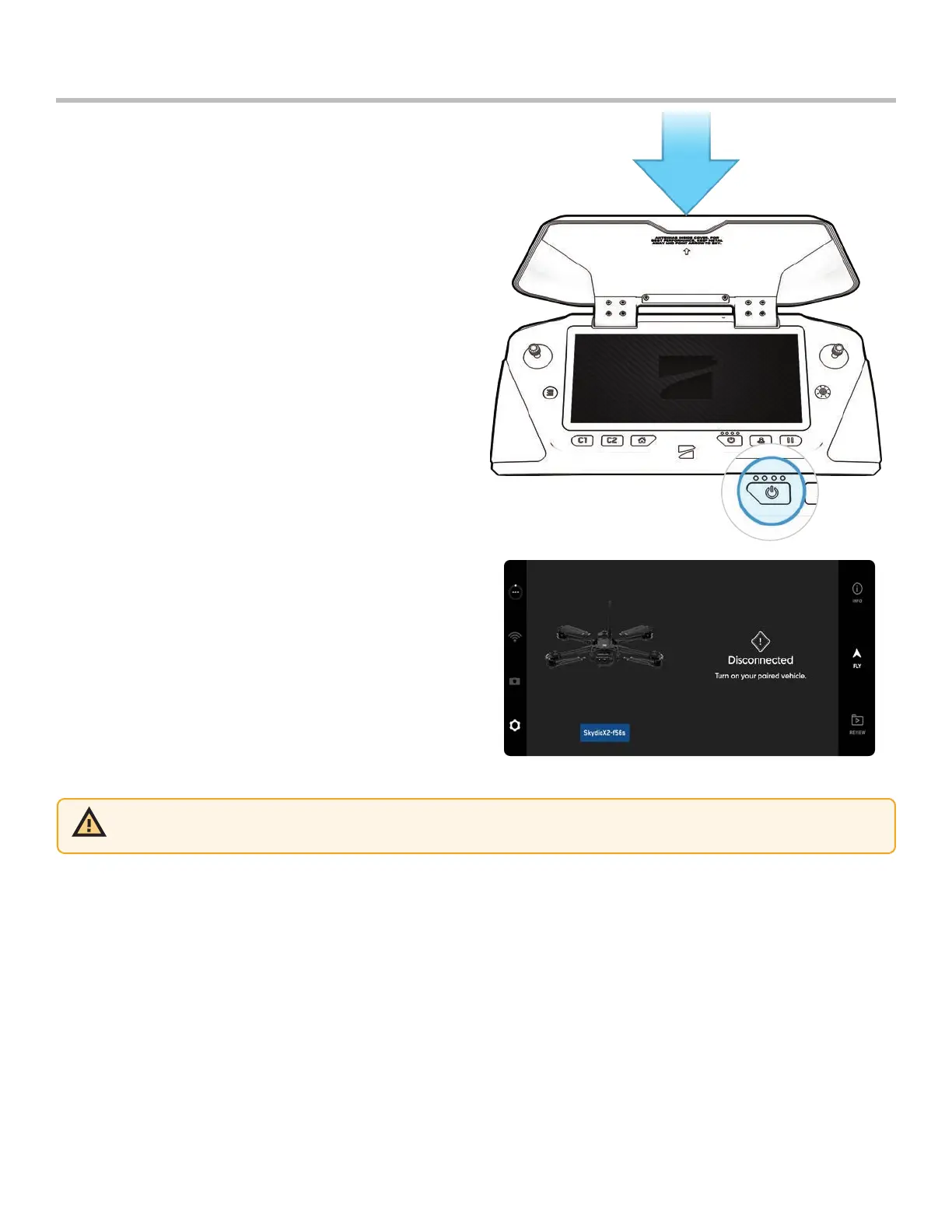
Step 1 - Open the controller lid gently
• The antennae are embedded in the controller lid
Step 2 - Power on the controller
• Press and hold power button for 3 seconds
Step 3 - Activate the controller
• Read and accept Purchase Terms
• Create a device password to unlock the controller
• The password will be required to unlock the controller
when powering on or waking it from a sleep state



 To Next Page