21
Skydio X2D INTL - Operator Manual © 2023 Skydio, Inc. All rights reserved.
Pre-flight
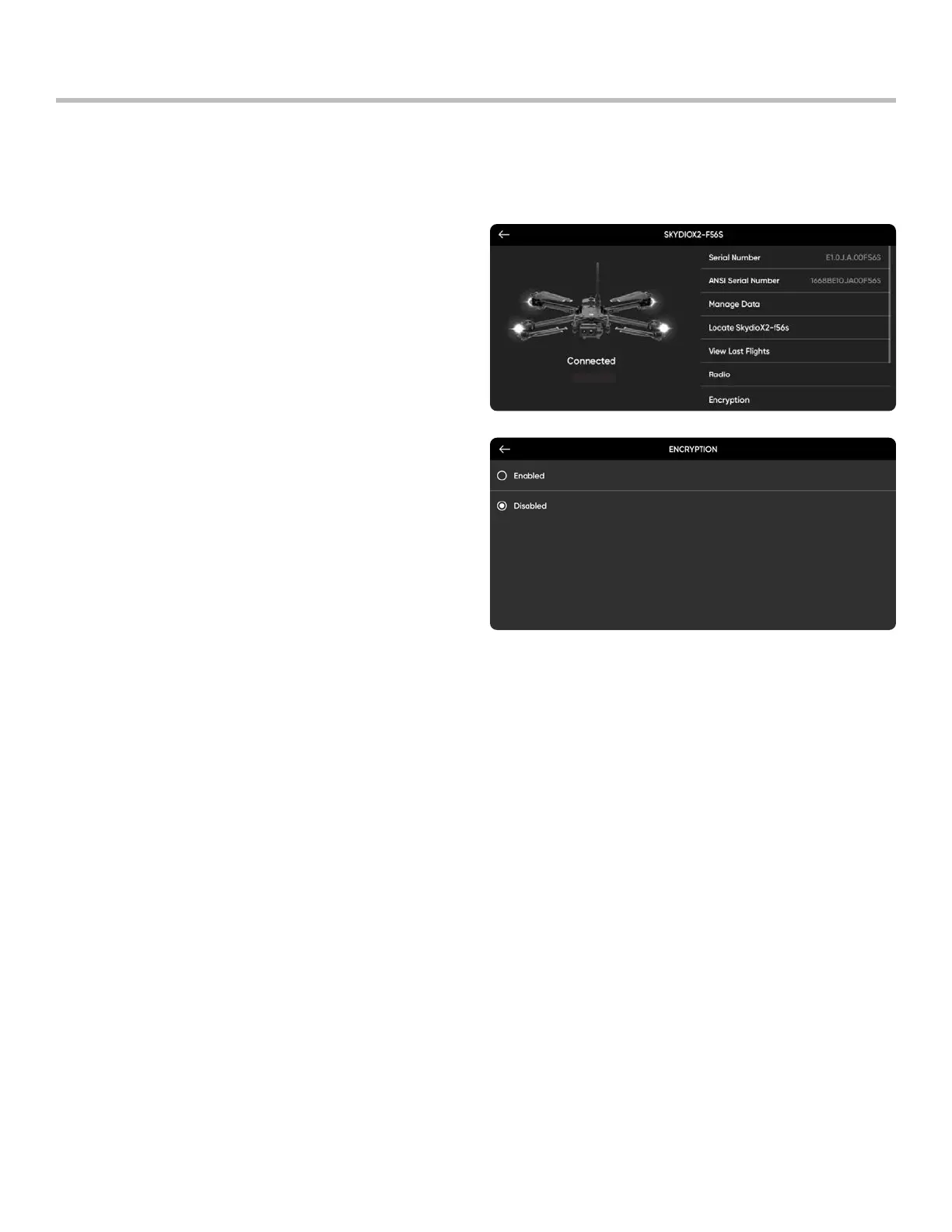
Step 1 - Power on your Skydio Enterprise Controller
• Wait for your X2D to connect
Step 2 - Select the INFO menu
Step 3 - Select your drone under Devices
SStep 4 - Select Encryption
• the selection is persistent across flights and
power cycles
Enable (or Disable) Encryption
You have the option to enable or disable encryption. When Enable Encryption is selected, all media captured will be
encrypted. When Disable Encryption is selected, all media captured will not be encrypted.
To enable or disable encryption:



 To Next Page