47
Skydio X2D INTL - Operator Manual © 2023 Skydio, Inc. All rights reserved.
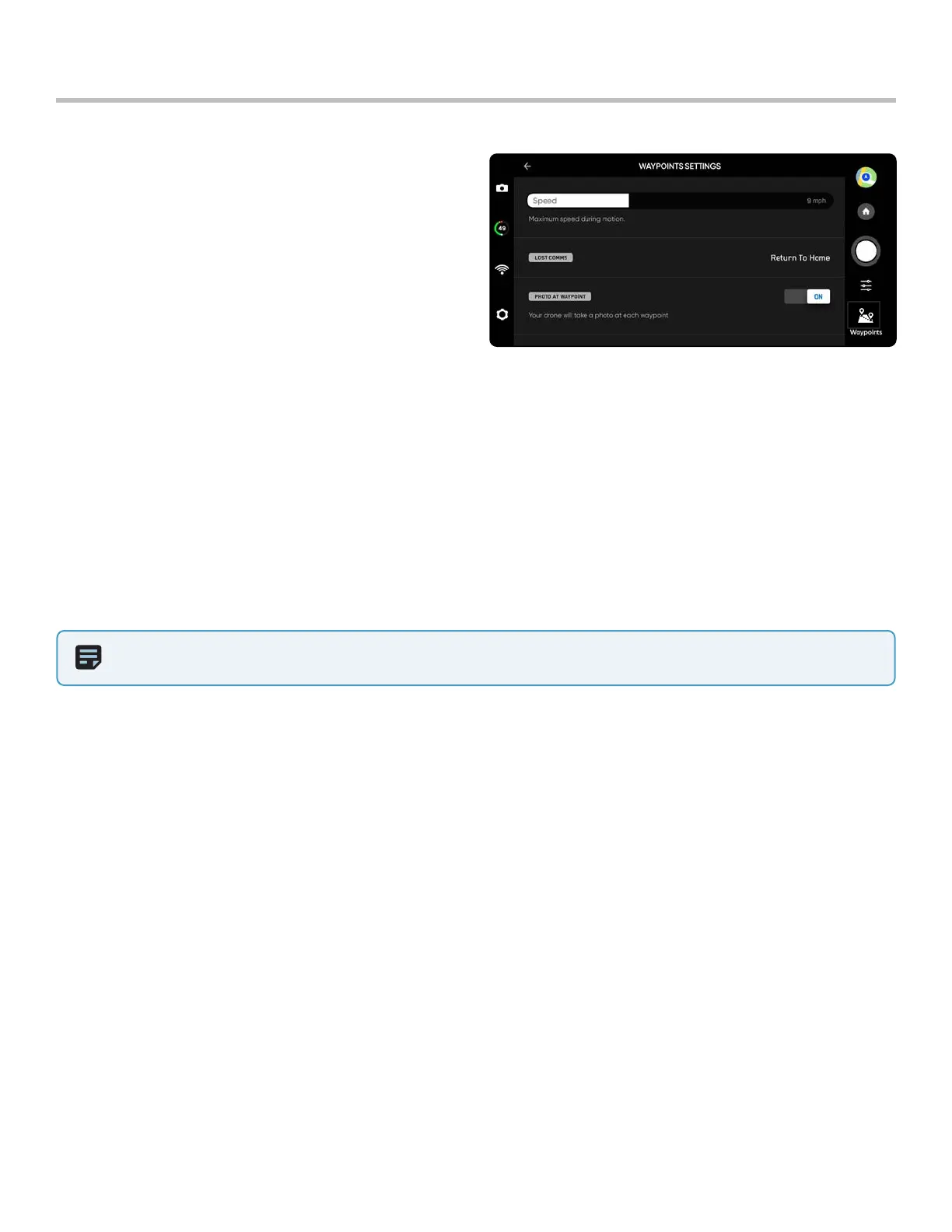
Adjust the Waypoint settings menu to further customize
the mission behavior.
Speed - set the speed at which Skydio X2D will move
between waypoints.
Lost Comms - defines the lost link protocol if the signal
connection to the controller is disrupted during a
mission:
• Return to Home (default)
• Continue the mission
• If X2D does not regain connection after continuing
and completing the mission it will return home
Flight
Waypoints
NOTE: Waypoint missions are stored on the controller, however the skill settings for the mission are stored on X2D. If you
run the same mission with dierent vehicles, set your Waypoint skill settings for each X2D
Photo at Waypoint - Set to take a photo at each waypoint
• When resuming a mission video mode will automatically switch to photo mode. The drone will switch back into
Video mode upon pausing a mission, completing a mission, or exiting the Waypoints skill.
• If you switch to Video mode while a mission is active the drone will automatically switch back to Photo mode at
each waypoint, capture the image, then switch back to Video mode. This will result in a separate video file for
each flight segment between waypoints.



 To Next Page