2-5
Note:
The clinical chemistry
analyzer should not share the
same circuit with other
high-current devices. A surge
protector is recommended to
protect the clinical chemistry
analyzer.
Note:
The clinical chemistry
analyzer supports few USB
interfaced external printer
models. Please contact your
skyla
TM
authorized technical
support personnel for the
latest information on external
printer models.
power connector, RS232 and USB ports at the back
of the analyzer. At t
he same time, there must be at
least 15 cm of space to the front of the analyzer
ensure normal operation of the disc drawer.
Power Supply
In addition to the clinical chemistry analyzer and power
supply cord, the analyzer
comes with a power adapter.
Connect the power adapter into
analyzer on one end and
plug the power supply cord into
a grounded electrical outlet.
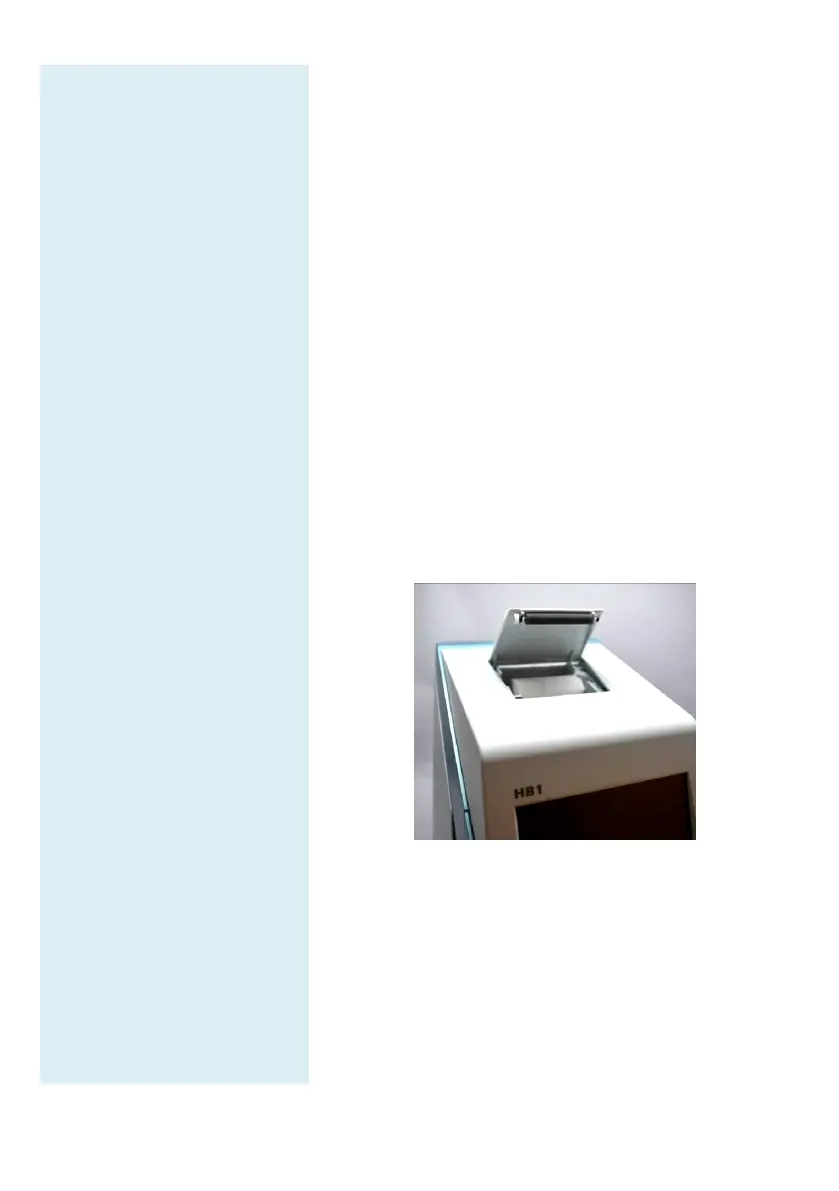
Printer Paper
Open the top cover of the built-in thermal
place the printe
r paper into the paper slot. Confirm that
the heat-
sensitive side is facing the correct direction (the
arrow sticker on the roll should point downwards).
Connecting an External Printer
If you choose to use an externally connected printer
instead of the built-
in thermal printer, please plug the
external printer into the skyla
TM
Clinical
Chemistry
Analyzer’s USB port and switch the system settings to
an external printer. Refer to section 5.1.2 for details.



 To Next Page