5-16
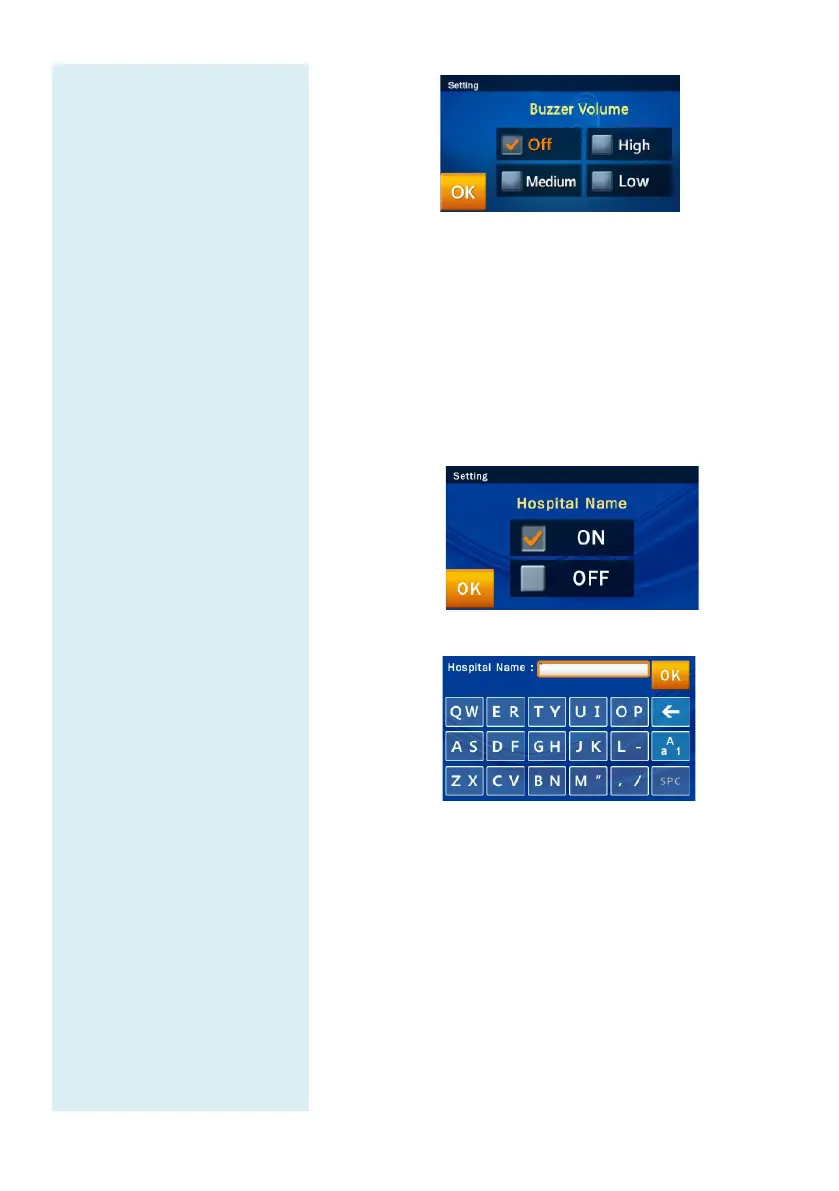
5.2.16 Hospital Name
If the administrator turns on this feature in the
Hospital
Name menu, the header will appear when the test report
is printed out.
In the Options screen of the administrator’s dedicated
system function Administrator Settings (page 2), click
the icon “Hospital Name.”
Click “ON” to turn on the option.
Enter the name of the hospital and press “OK” to save.
5.2.17 Patient Name
If the manager turns on this function in the Patient
Name menu, the input frame will appear on screen
during testing, and it will appear at the top of the table
when printing test reports.



 To Next Page