5-12
Warning:
Once the “System Default”
function is launched, the
system will delete all the
customized setting options
and ref. ranges. Once this
command is executed, the
deleted data cannot be
restored. Hence, the user
should regularly back up
saved data (such as
outputting all information to
USB and then execute
System Default). However,
all test results of patients and
quality control records will
not be deleted.
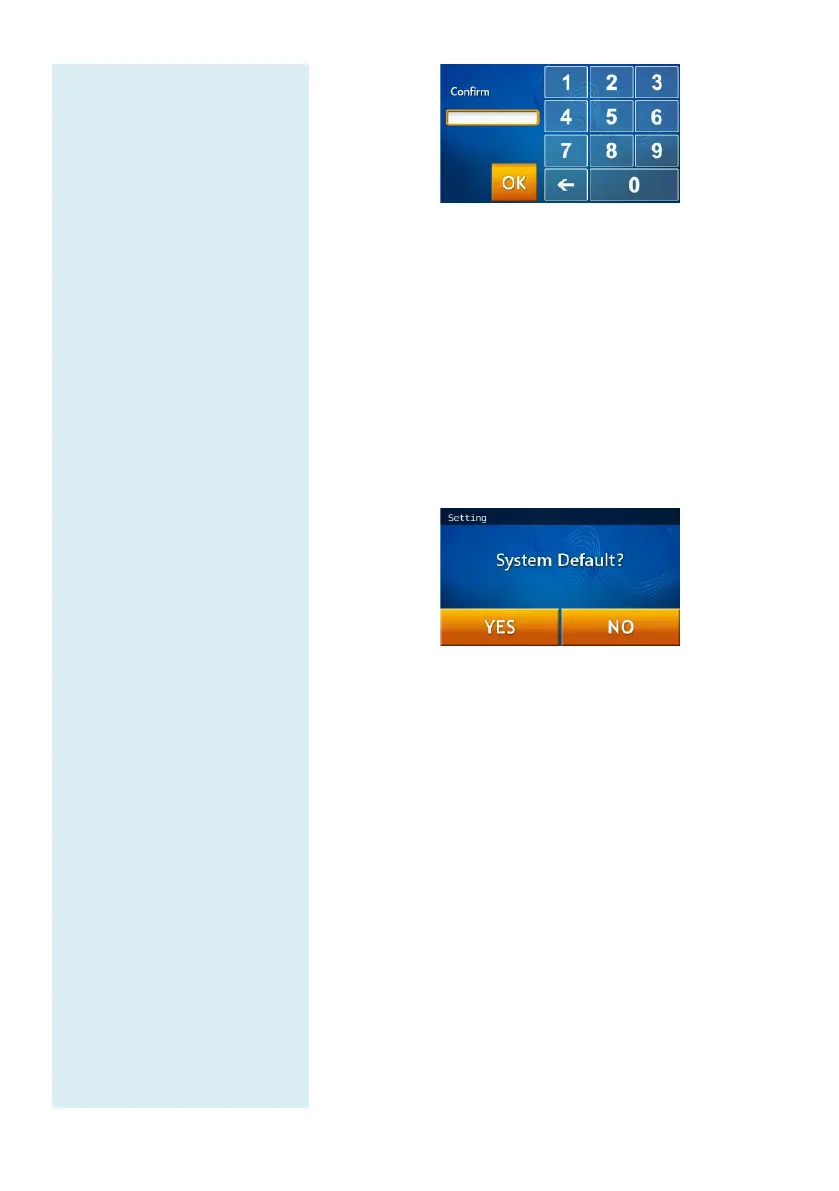
If the administrator presses “OK“ button without
entering any numbers in both “New Password” &
“Confirmation” boxes, the password will no longer
be required by the system.
5.2.8 System Default
The skyla
TM
Clinical Chemistry Analyzer
comes loaded
with default starting values, ref. ranges and units. The
above settings can be customized by the administrator if
necessary.
If the administrator wishes
to restore the custom settings
to their default values, select the “System Default” icon
under Administrator Settings. This will reset
the
system to its original factory settings. All custom
settings such as ref. range and units will be restored to
their default factory settings as well. However patient
test results and control test results
and will be retained in the system.
5.2.9 Operator Control
The clinical chemical analyzer provides an
control function. It also shows the operator ID
printed report, which is
helpful for quality control of the
test operation on the clinical chemical analyzer.



 To Next Page