5-3
Note:
The Control function of the
clinical chemistry analyzer
must be tested in appropriate
intervals using traceable
external assay samples to
guarantee the reliability of
routine test results. Please
see Chapter 3.9 for more
details on Control.
Note:
Only when Custom Report is
enabled under Settings will
the clinical chemistry
analyzer prompt the user to
use the custom report layout
during testing.
5.1.5 Control (Performing Quality Control)
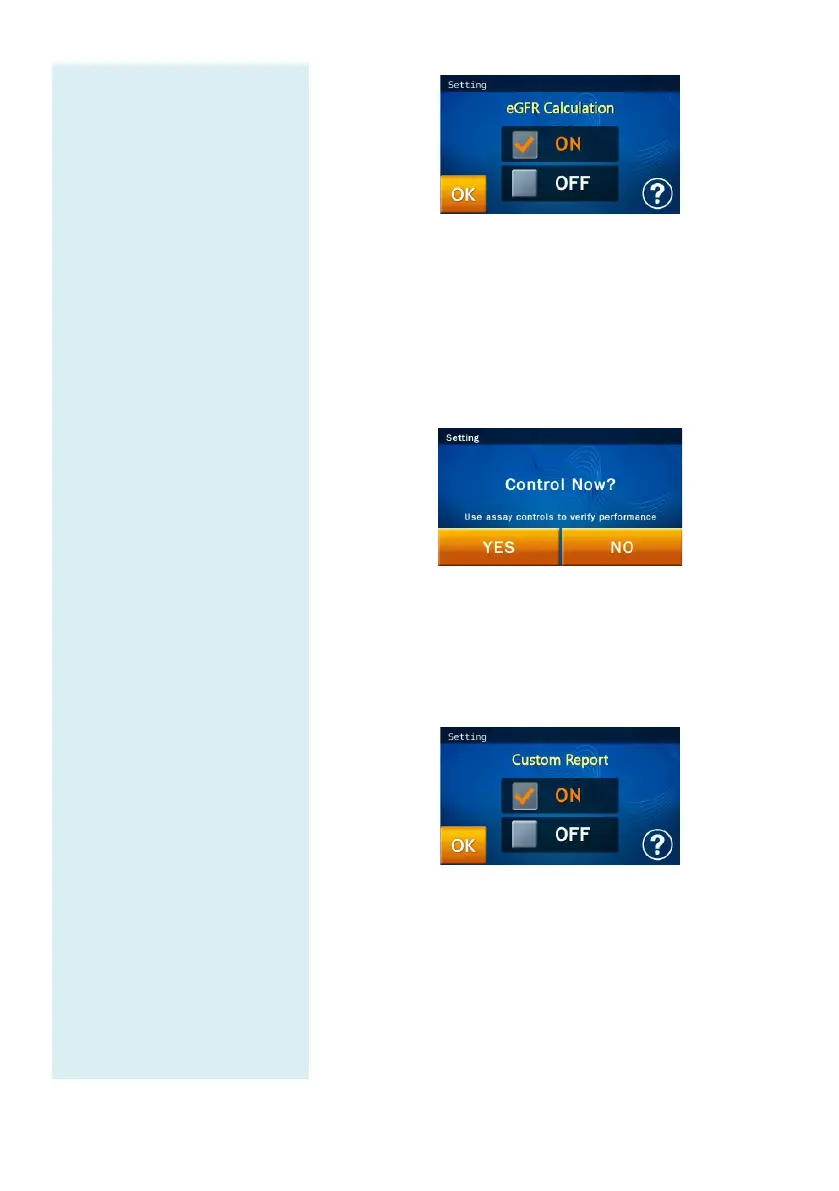
In the Setting screen, press the “Control” icon to
enable assay controls.
Assay control test results will be permanently
retained by the system in a separate database from the
sample test results.
5.1.6 Custom Report
In the Setting screen, press the “Custom Report”
icon to enable displaying/hiding of selected test
items.
When the user enters the patient ID, a pop-up window
will ask if the user wishes to create a Custom Report
or not.



 To Next Page