4-1
Recall the historical
report information stored
in the clinical chemistry
analyzer.
Recall historical
information
Section 4: Review of
Operation Information
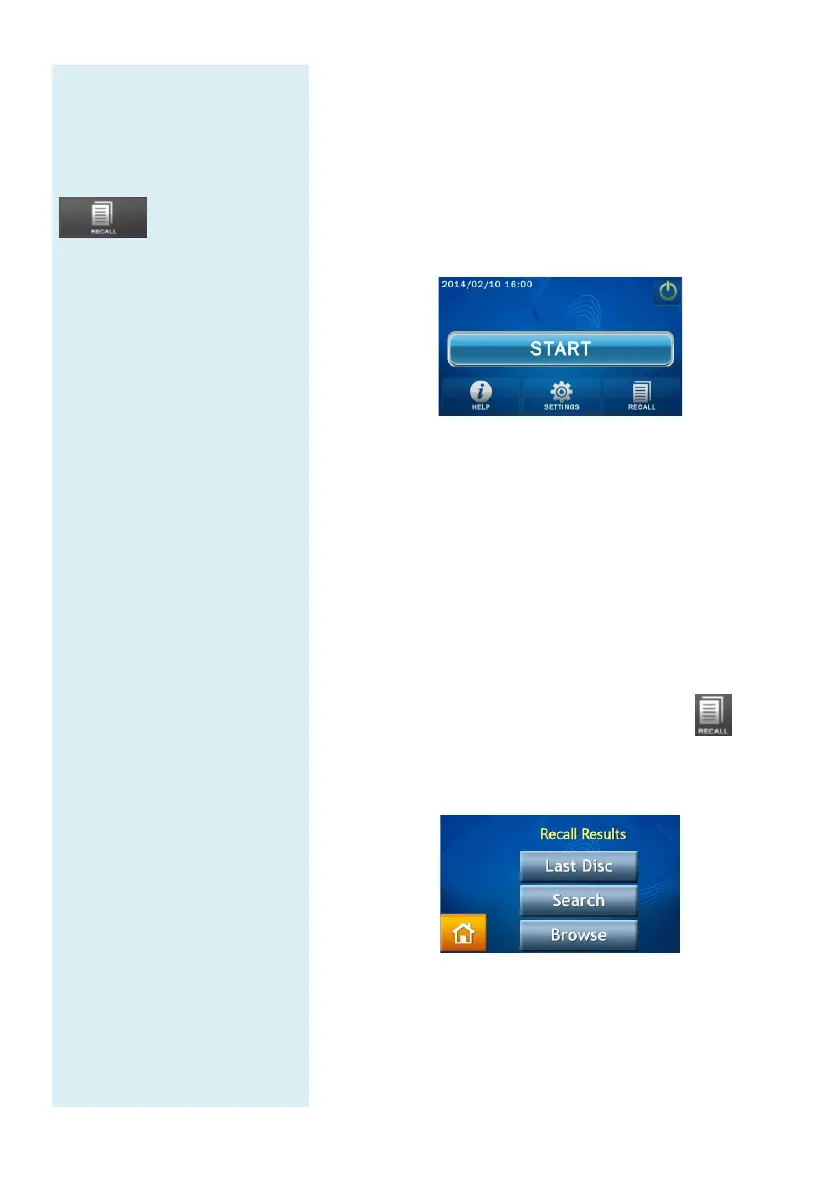
When the Home screen appears on the skyla
TM
Clinical
Chemistry Analyzer, click “HELP” to display the quick
guide or click “RECALL”
to browse historical report
information stored in the clinical chemistry analyzer.
4.1 Review of Historical Data (Recall)
The skyla
TM
Clinical Chemistry Analyzer
automatically
stores test results in the system for display, printing, or
export to USB for later review or further
implementation. Please refer to section 5.2.5 “Dump
to
USB Drive” for detailed information on exporting test
results to USB.
In the Home screen, press the “RECALL”
recall previous test reports, search past test
results, or
browse all test records in sequence. You can also export
or print selected historical reports.
4.1.1 Searching for Test Records (Search)
Use the Search function to search test records.
Select the “RECALL” function in the HOME screen.
In the RECALL screen, select “Search” to see the
search function on screen.



 To Next Page