5-14
On the Administrator Settings (Page 2) selection
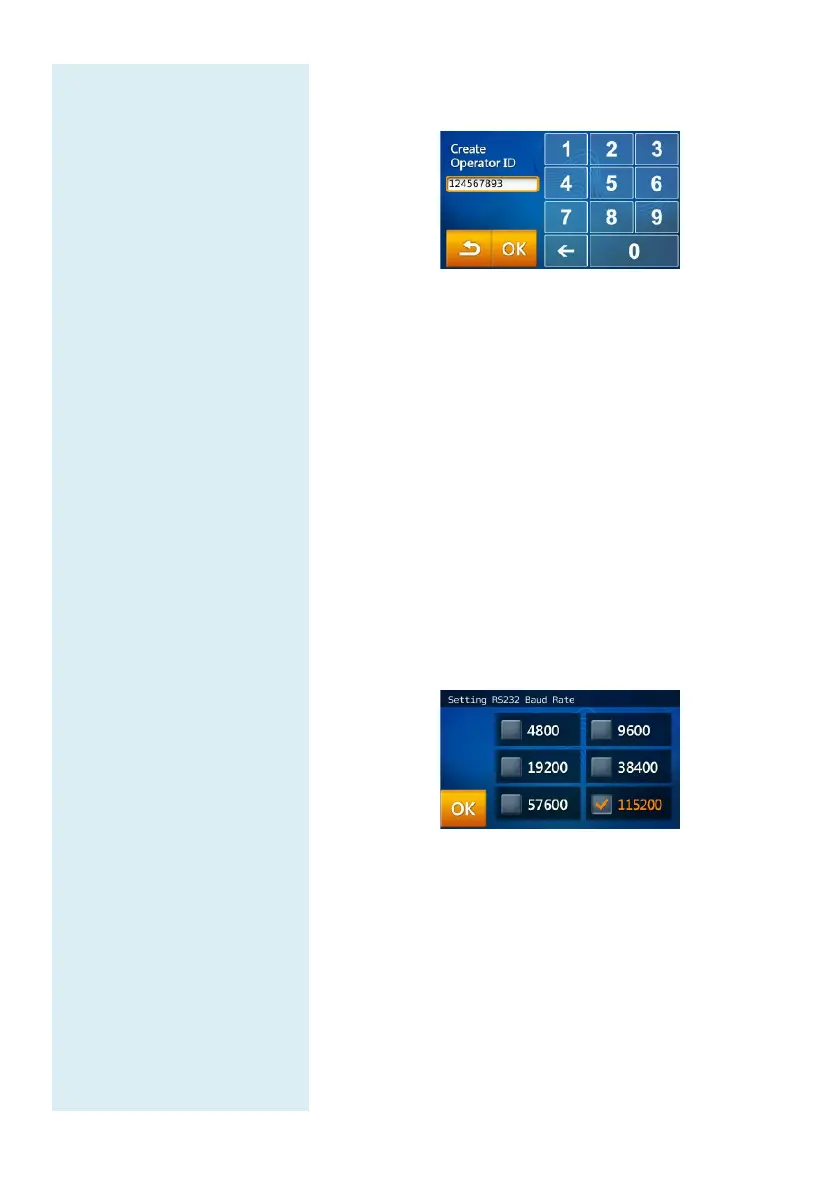
screen, click the “Operator Creation” icon.
After entering the new Operator ID, click “OK” to
confirm the creation.
Use the Operator List function to view the Operator
ID created.
5.2.12 RS232 Baud Rate Setting
Changing the RS232 baud rate
allows the transfer rate to
be optimized. The options for RS232 Baud Rate are
4800, 9600, 19200, 38400, 57600 and 115200.
Under Administrator Settings (see page 5-5), select
the “RS232 Baud Rate” icon.
Select the baud rate required for connecting to an
external instrument or device then select “OK” to
save the changed settings.
5.2.13 Demo Mode
The skyla
TM
Clinical Chemistry Analyzer has a built-
in
demo mode that provides a complete simulated testing
environment for education and training. The built-
in
demo mode includes a set of known test results and is
stored under the patient ID "demo" in the
analyzer.



 To Next Page