5-1
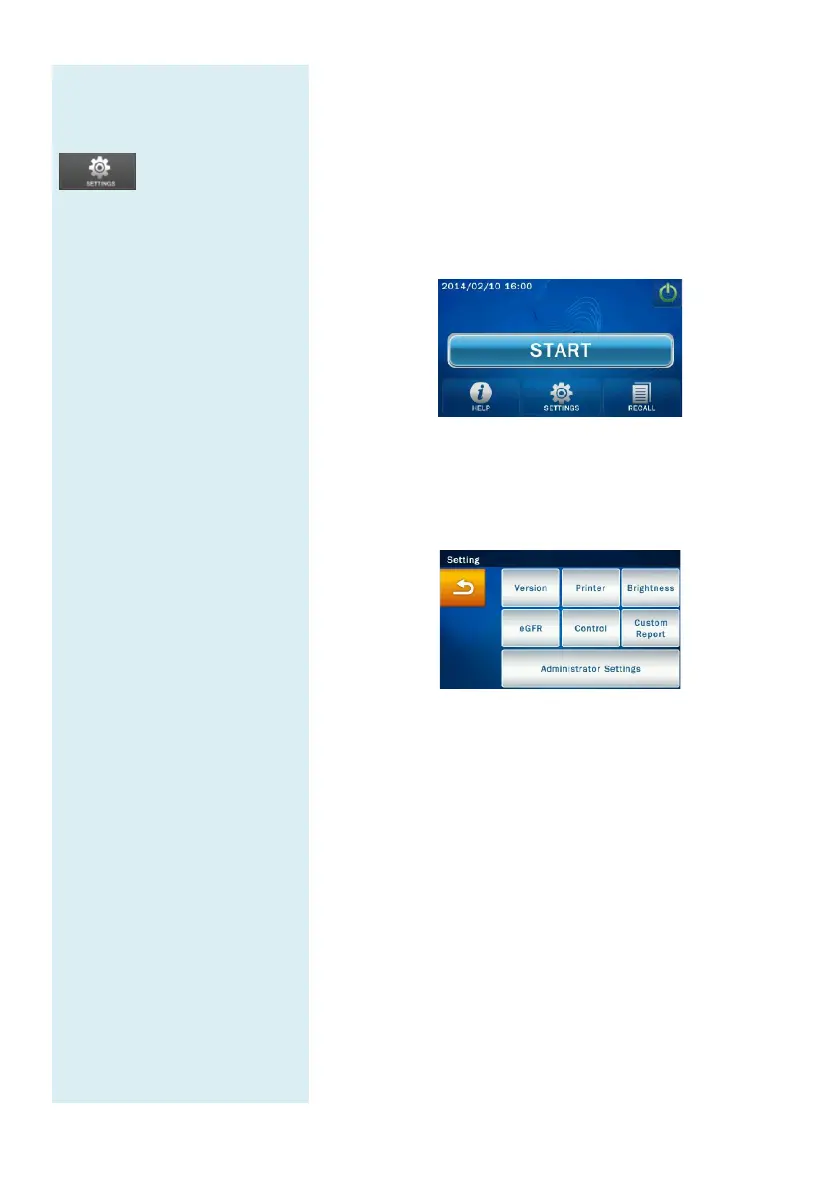
Main Menu option:
Settings
S
ettings
Version
Printer
Brightness
eGFR
Control
Custom Report
Administrator Settings
Note:
The clinical chemistry
analyzer only supports few
types of external printer
model. Please contact
skyla
TM
authorized
technicians or distributors for
more information about
supported external printers.
Section 5: System Settings
The skyla
TM
Clinical Chemistry analyzer
user with a variety of customization functions
optimize the system operations of the system.
5.1 System Settings
In the main menu, press the “Settings”
Version, Printer, Brightness, eGFR
function, Control, Custom Report
Settings options.
5.1.1 System Version
Version contains the system version and system
installation date of the skyla
TM
Clinical
Analyzer.
Under Setting, press the "Version" icon to access the
version information.
5.1.2 Printer Selection
Press the Printer icon
to select the internal or external
printer.
In the Setting screen, press the “Printer” icon.
In the Printer Setting screen, select whether to print
the results via “Internal” or “External” printer.



 To Next Page