5-2
5.1.3 Screen Brightness Adjustment
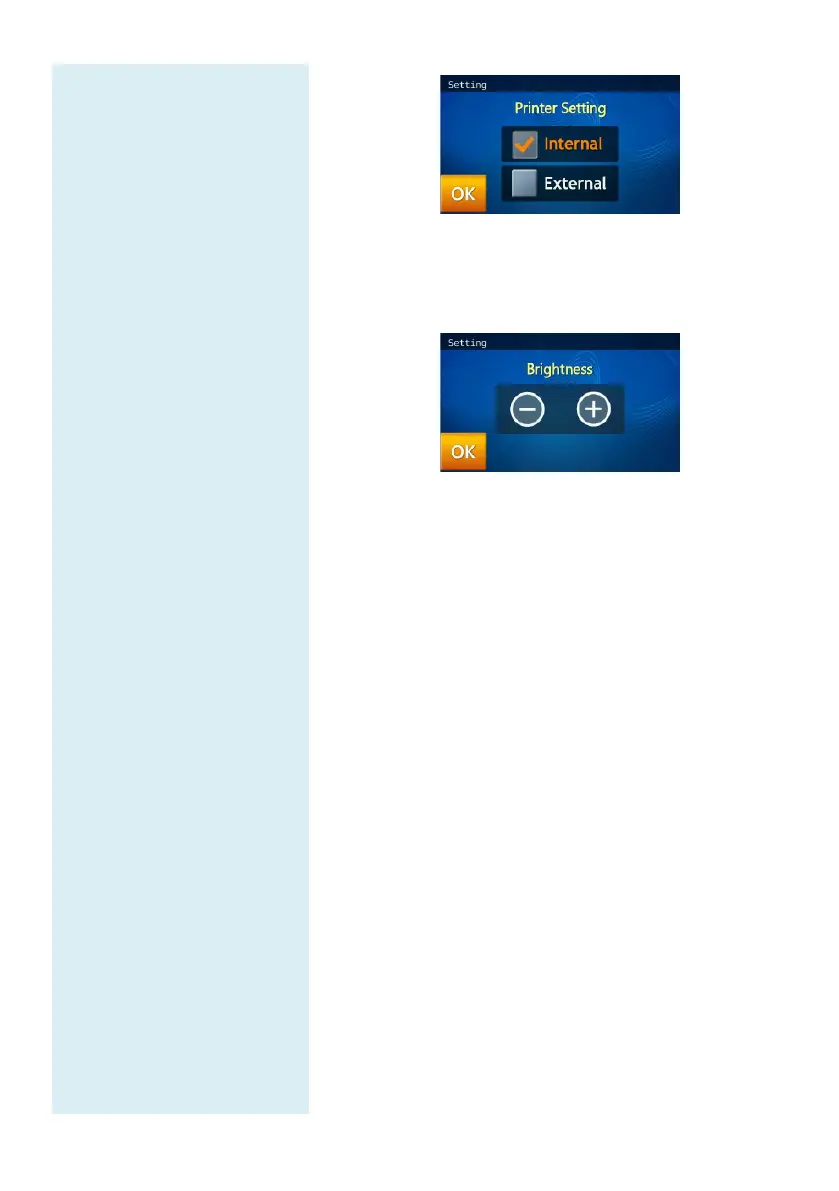
In the Setting screen, press “Brightness” icon to
adjust the brightness of the touchscreen.
Use the - / + buttons to adjust the brightness level.
There are four possible levels of brightness for the
touchscreen.
5.1.4 eGFR value
eGFR is a calculation value, and therefore, it is
generally not included as an essential item in test
reports. The operator may launch the eGFR
calculation function in order for the clinical chemical
analyzer system to calculate the eGFR value.
skyla
TM
clinical chemical analyzer uses Simplified
MDRD formula to calculate the eGFR value. The
formula is as follows:
eGFR = 186 * Scr-1.154 * Age-0.203 * 0.742
(if female) * 1.212 (if African)
In addition, if the
tested patient is African by race,
multiply the eGFR data by 1.212.
In the Setting option, click the eGFR setting ON.
Before test, the operator should enter the information
required by the system according to the prompt screen
in order for the eGFR value to be calculated.



 To Next Page