3-11
Notes:
Dispose of used reagent discs
according to laboratory
regulations and local
legislation.
To
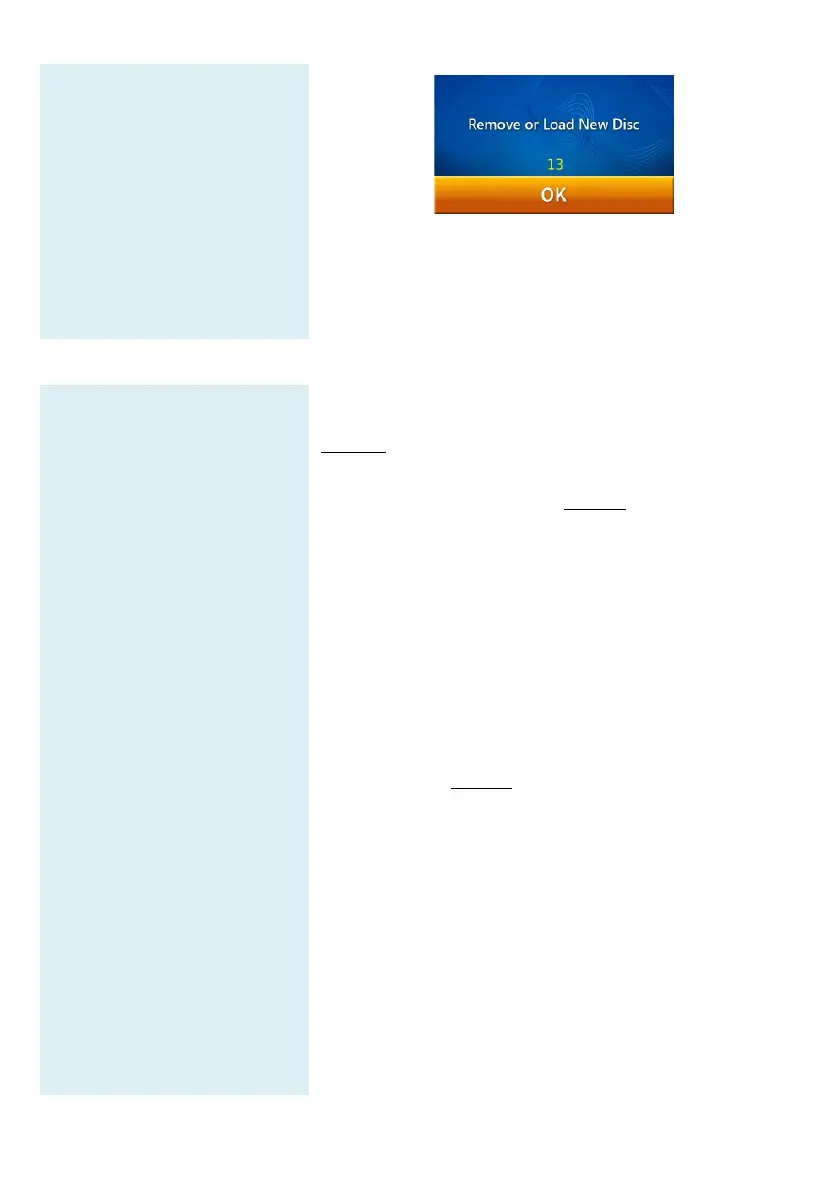
analyze another sample, insert a new reagent disc
sample and repeat the above steps. Press “OK”
inserting any disc and the touch screen
main menu. Analysis is now complete.
Step 5: Reviewing the Test
Results
Printed reports include:
1. Test marker
2. Analyte concentration
3. Reference range
4. Unit
3.7 Reviewing the Test Results
Table 1 shows the format of the analysis
automatically displayed on the touchscreen. The r
consists of two sections (see Table 1). The he
top of the report includes information about the analyzer
model, test date and time, sample type, specimen/
ID, reagent disc serial number, operator ID, gender
age. The results section consists of four columns: t
marker, analyte concentration, reference range and unit.
The test report also shows the degree of Li
Hemolysis (HEM), and Icterus (ICT) of the sample
analyzed. If the system administrator enables
Report function, the report will also include the
QC results (see Table 2).



 To Next Page