5-18
Insert the USB drive (with FAT 16/32 format) into the
USB port at the back of the chemistry analyzer, wait
for seconds for device recognize it, then select “Yes”
to output data.
5.2.21 & 22 Export Databse & Import Databse
This is merely for technical service during the
replacement of device malfunction.
Use “Export Database” to extract the whole user
database from existing device.
Use “Import Database” to reload the whole user
database to the new replaced device.
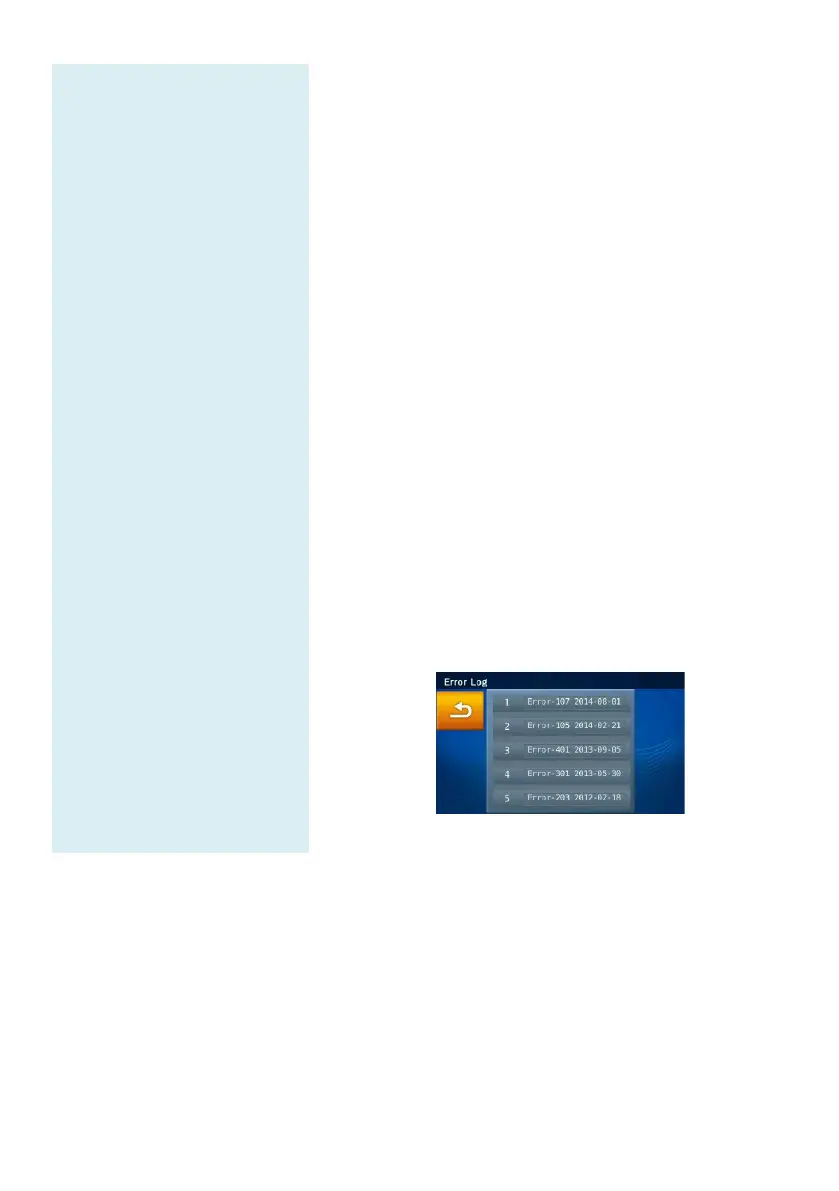
5.2.23 Error Log
When there is any error, user can use
recall previous error code log (5 events
contact authorized technical support department
initial troubleshooting.
Under Administrator Settings, select the “Error Log”
to recall the error logs data.



 To Next Page