3-8
Perform the test within 10
minutes after dispensing
the sample into the reagent
disc
.
Step 3: Performing a Test
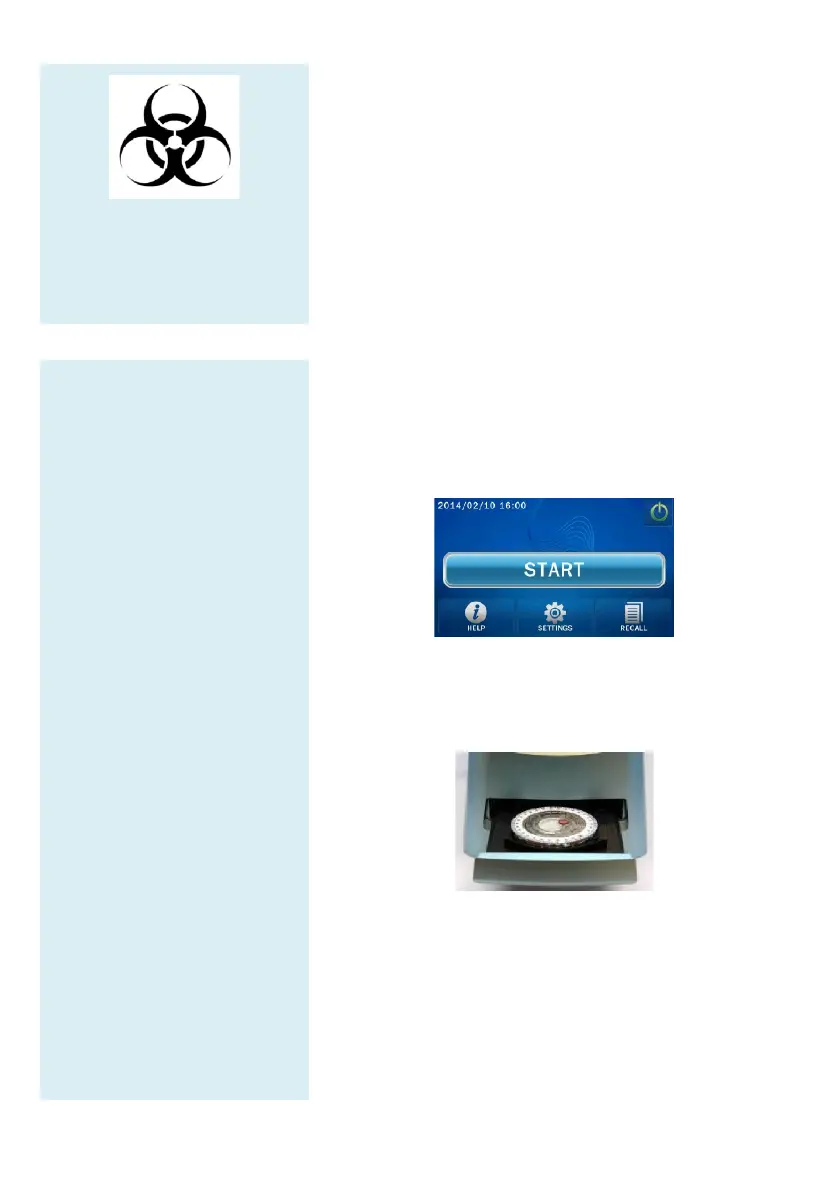
Press the START icon on
the touch screen to open
the disc drawer.
Hold a reagent disc that
contains a sample by its
edge and keep it level.
Avoid touching the surface
of the reagent disc. Gently
place the disc into the
drawer.
Press OK to close the
drawer.
Use the touchscreen or
barcode scanner to enter the
patient ID.
If the system requires
gender and age information
to be entered, please fill
them out in sequence.
The system will begin the
analysis. “Analyzing…”
will be displayed on
screen.
3.5 Performing a Test
When the skyla
TM
Clinical Chemistry Analyzer is
on and the touchscreen displays the function options,
is ready to perform the test sequence.
Press the START icon on the touchscreen
reagent disc drawer at the front of the
Analyzer.
Hold a reagent disc that contains a sample by its edge
with the barcode side facing up
Avoid touching the surface of the reagent disc.
place the disc into the drawer and press OK to
disc drawer.



 To Next Page