2-8
English keyboard
Space
Uppercase /Lowercase
/ Number
Warning:
Please do not touch or scratch
the touchscreen with sharp,
hard objects to avoid
damaging the screen.
yellow frame means that the selected
value is currently being updated.
means to show the numerical keypad for
manual key-
in when using an external barcode
scanner.
Provides an on-line help explanation.
English keyboard. Press one time to show the
left character; press twice to show the right character.
Enter space.
Switch the keyboard among uppercase,
lowercase and number.
Power-On:
Press the Power button to turn
on the analyzer. Warm-up
requires up to 15 minutes
(this time may be exceeded in
unique environments)
Built-in Self-test:
System self-test and precision
calibration.
2.5 Power-On and Initialization
Power-On and Built-in Self-tests
Turn the clinical chemistry analyzer
pressing
the power button on the front panel. The system
automatically launches the warming procedure
completes system self-test after power on.
to 15 minutes for the system to be ready
upon room temperature).
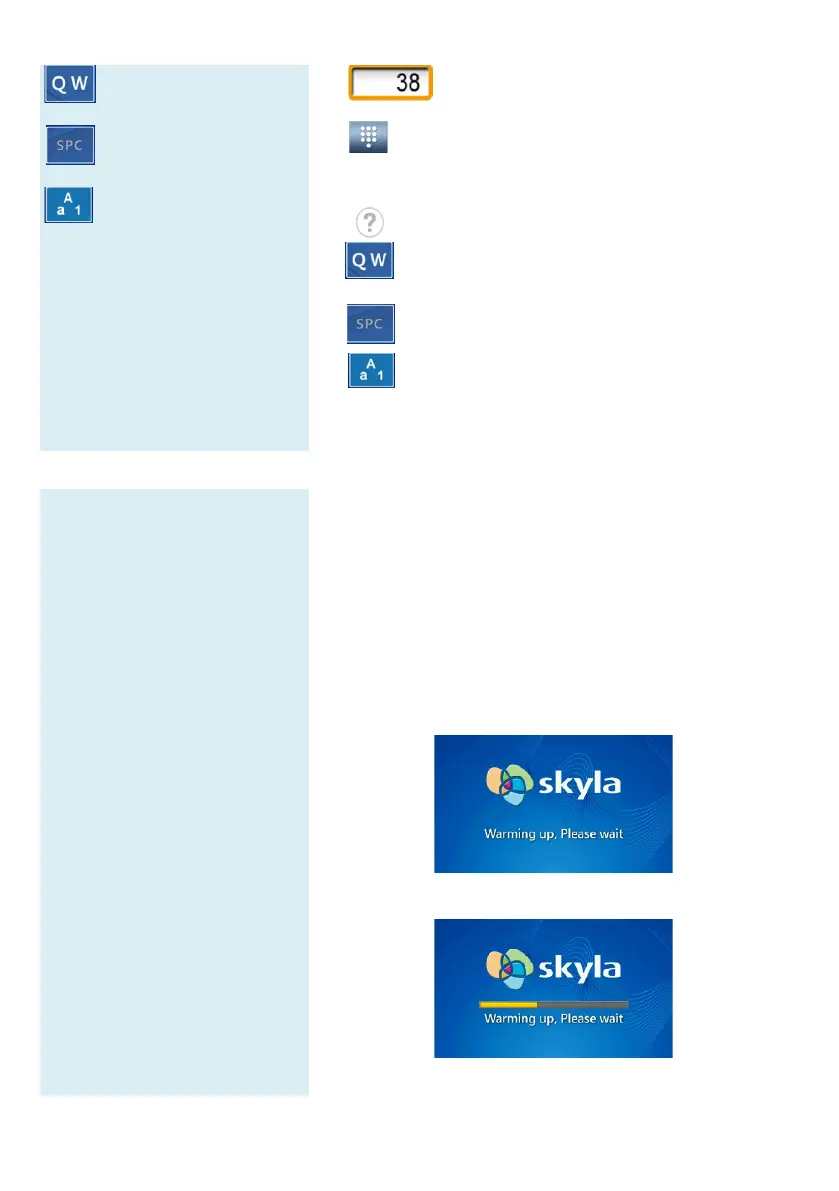
Warm boot screen after start up
Low temperature warm boot screen after start up



 To Next Page