5-9
5.2.4 Marker Unit
The system also allows the administrator to select the unit
for each analyte.
Before testing, the output unit for each
analyte can be selected from the menu.
Under Administrator Settings (see page 5-5), select
the “Marker Unit” icon.
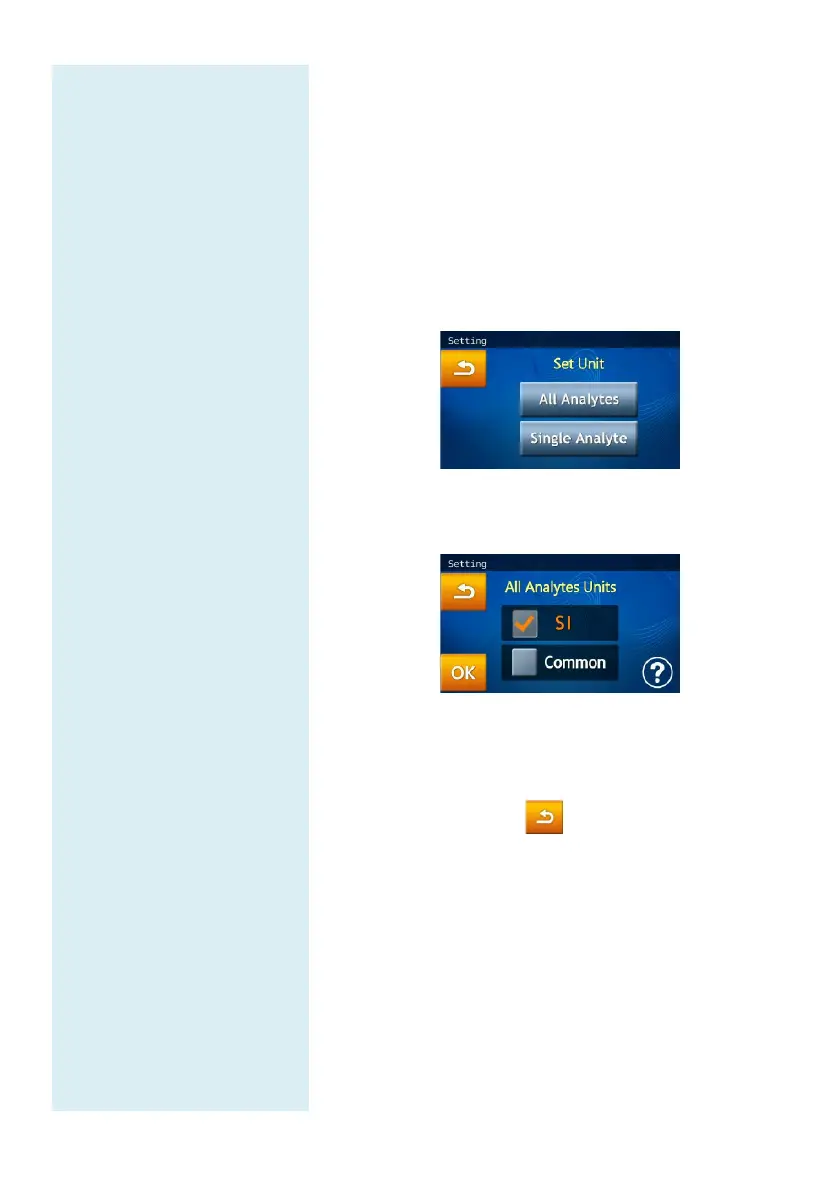
The administrator can set the unit for one analyte with
“Single Analyte” or set the unit for “All Analytes.”
All Analytes:
Set All Analytes Units to SI Unit or Common Unit.
Choose Common Unit (default) or SI Unit.
Select “OK” to save the changed settings.
To cancel the changes and return to the old settings,
please press the Return icon.
Single Analyte:
To set the unit of measurement for a single analyte,
please press the “Single Analyte” icon at the Set Unit
page. This will bring up the analyte list.



 To Next Page