3-10
Warning:
A reagent disc cannot be
reused if a test has been
canceled.
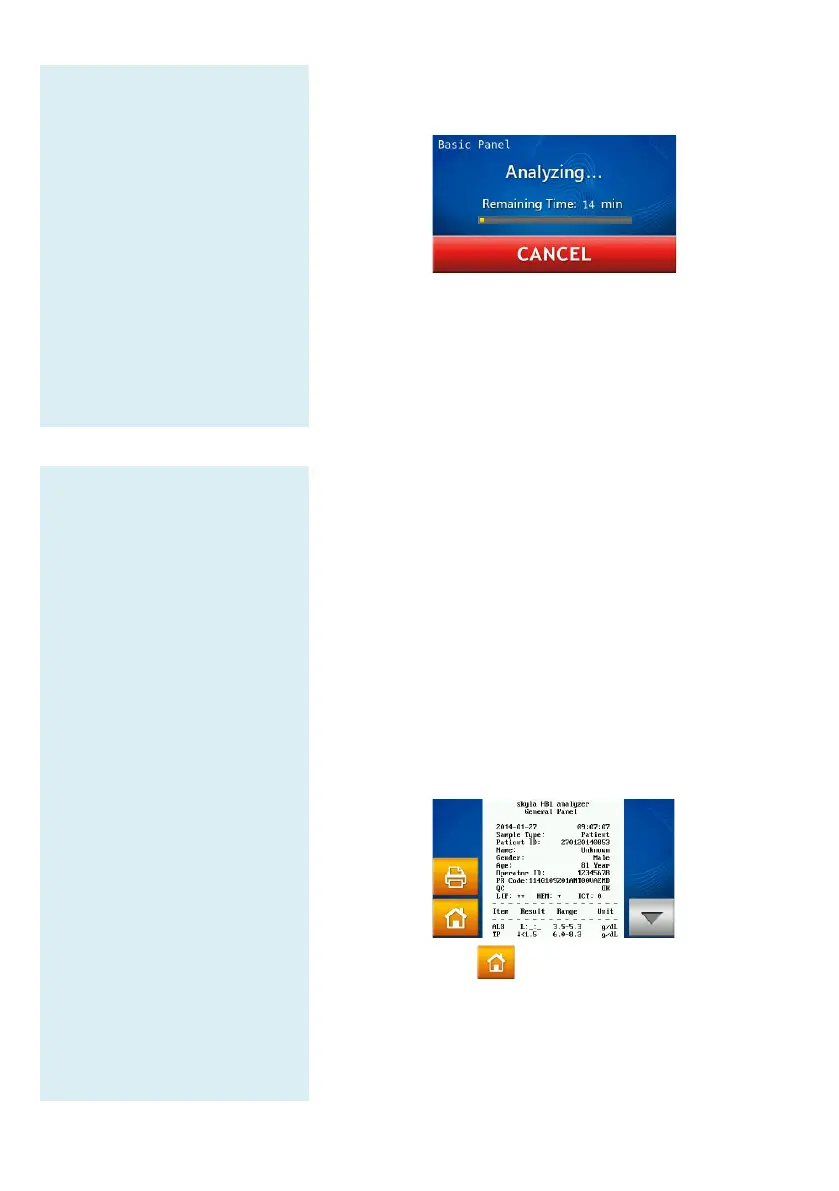
The system will commence automatic test
after the patient code is entered.
When the analysis is completed,
the analysis results and display them on the touchscreen.
To cancel a test in progress, simply press the CANCEL
icon on the touchscreen. The system will
confirm and then stop the analysis.
Step 4: Test Results
The system will
automatically display the
test report, which can be
printed out.
You can use the Recall and
Printer functions to search
for test records and print
reports.
The system will store the
analysis results. They can
be exported as a document
file.
Press the HOME icon to
return to the main menu and
press OK to open the
drawer and remove the
reagent disc.
To perform another test,
simply insert a new reagent
disc into the drawer.
3.6 Test Results
When the test is completed, the system will store the
information produced. You can print out the results
the built-in thermal printer or export them
file. Under normal circumstances, the
automatically display the test report
whether to print it using the built-
external printer (configured at the Printe
menu). You can also use the “Search Test Records
“Print” functions to obtain reports. See Section 4.1.1
“Searching for Test Records” for instructions.
Press the HOME icon and then the OK icon
open the drawer and remove the reagent disc.



 To Next Page