5-13
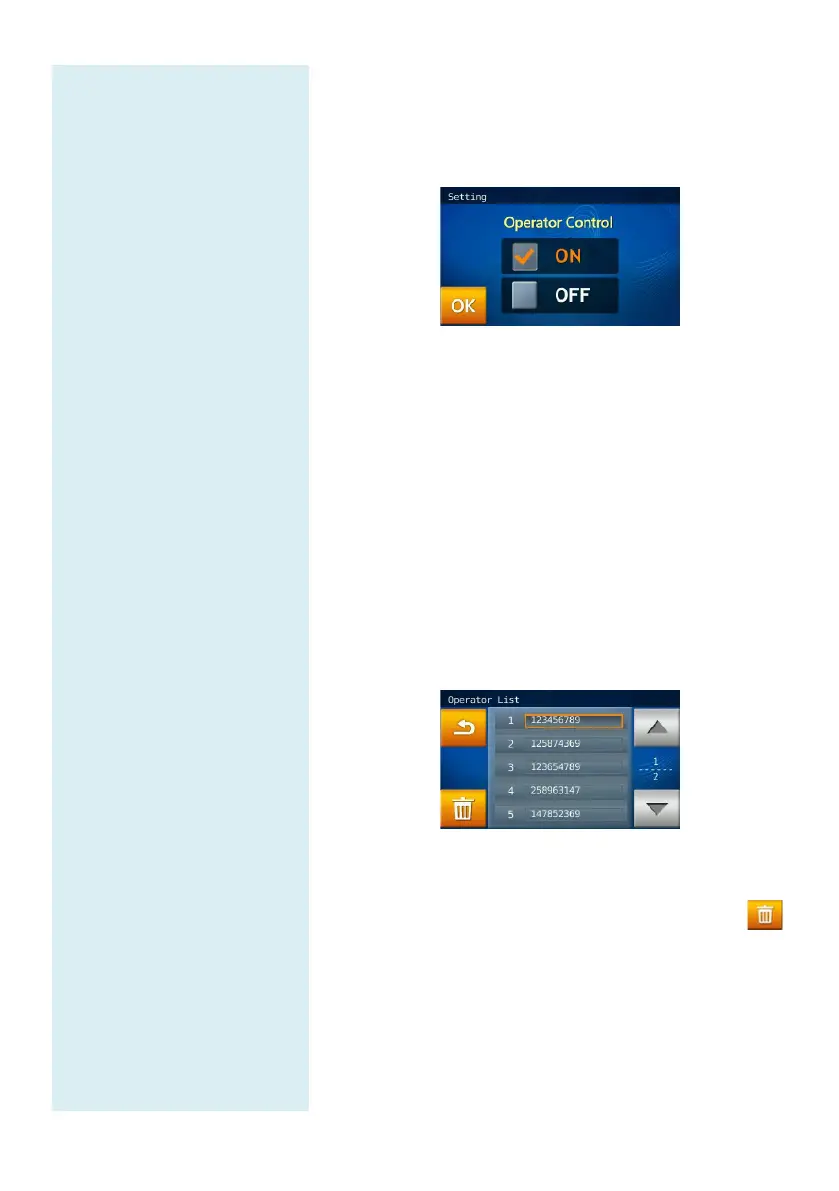
On the selection screen of Administrator Settings
(Page 2), click the “Operator Control” icon.
After setting Operator Control “ON”, click “OK”
to complete the setting change.
When the Operator Control setting is ON,
clinical chemical analyzer proceeds to START,
the
system will require the operator to enter the Operator ID
before the
test starts, and the Operator ID will be stored
in the system database.
5.2.10 Operator List
The system manager may check
operator from the Operator List through
List function.
On the Administrator Settings (Page 2) selection
screen, click the “Operator List” icon.
Use the page up/page down keys to browse the
Operator List.
After clicking the Operator ID, click the Trash
icon and select “YES” to complete the deletion.
5.2.11 Operator Creation
The system manager can create an
the Operator Creation function.



 To Next Page