4-5
Note:
1. Quality control testing
must be performed under
the Controls function in
the Clinical Chemistry
Analyzer. Please refer to
section 3.9 on system
quality control.
2. “Browse” in the
RECALL menu can be
utilized to export all data
and records saved in the
system to USB via text
file format.
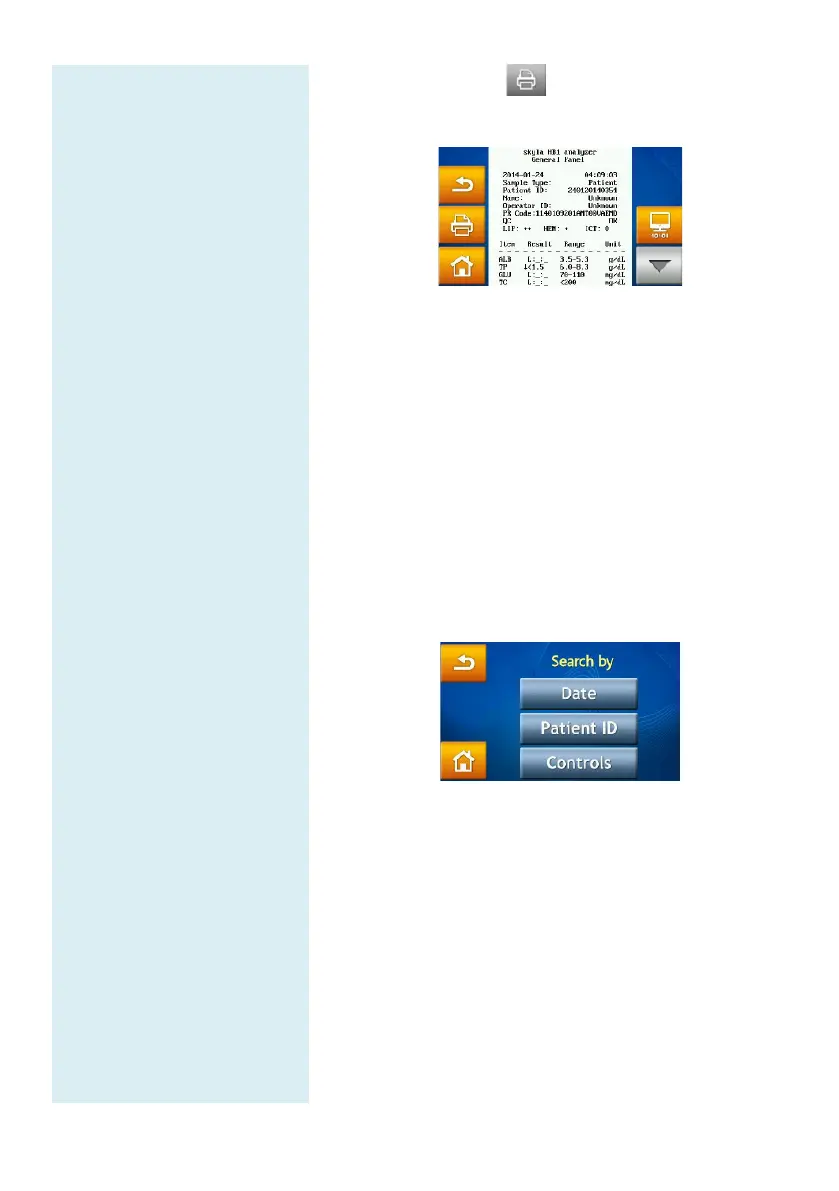
Press the printer
icon when the report is
displayed on screen to print the report.
4.1.3 Searching for System Quality Control Test
Records (Controls)
Select the “RECALL” function in the HOME
screen.
In the RECALL screen, select “Search” to see the
search function on screen.
Enter the administrator password.
Press the “Controls” icon to access the quality
control test records stored by test dates on screen.
The quality control test results will be permanently
retained in the skyla
TM
Clinical Chemistry Analyzer.
Quality control test results obtained from use of the
“Controls”
function option will also be stored
separately from sample test results.
printed immediately after system quality control i
complete. The RECALL
function can also be used to
search and print historical data. Please contact skyla
TM
authorized technical support personnel or distributors for
consultations on detailed information regarding quality
control testing.



 To Next Page