5-6
Note:
Pressing the Home
icon at any time will return
to the home page (top level).
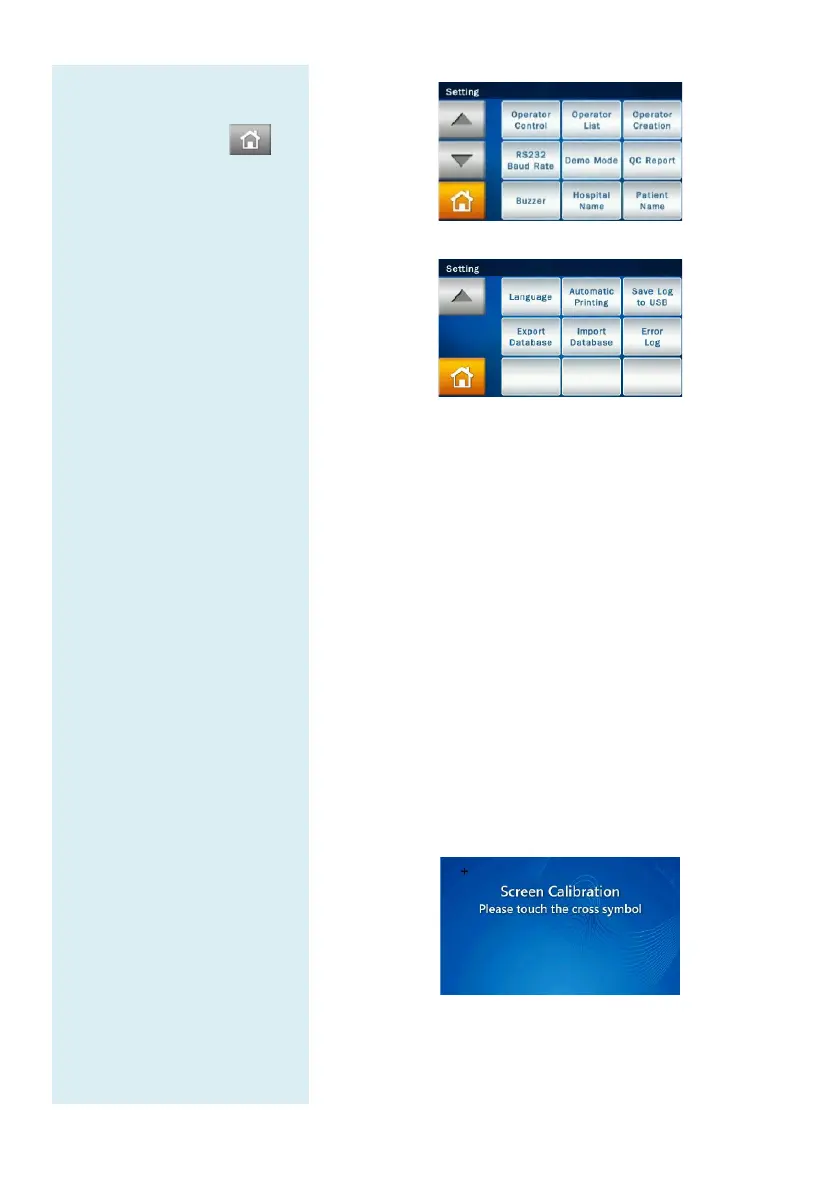
Administrator Settings menu page 2
Administrator Settings menu page 3
5.2.1 Screen Calibration
If the touchscreen is responding in
selections, use Screen Calibration to adjust it.
The screen calibration procedures are as follows:
Under Administrator Settings, select “Screen
Calibration.”
The calibration process consists of selecting the cross
symbols on screen one by one. You must select the
symbols five times (at each of the 4 corners and in the
center) to finish the calibration process. You will
return to the Setting screen once calibration is
complete.



 To Next Page