5-17
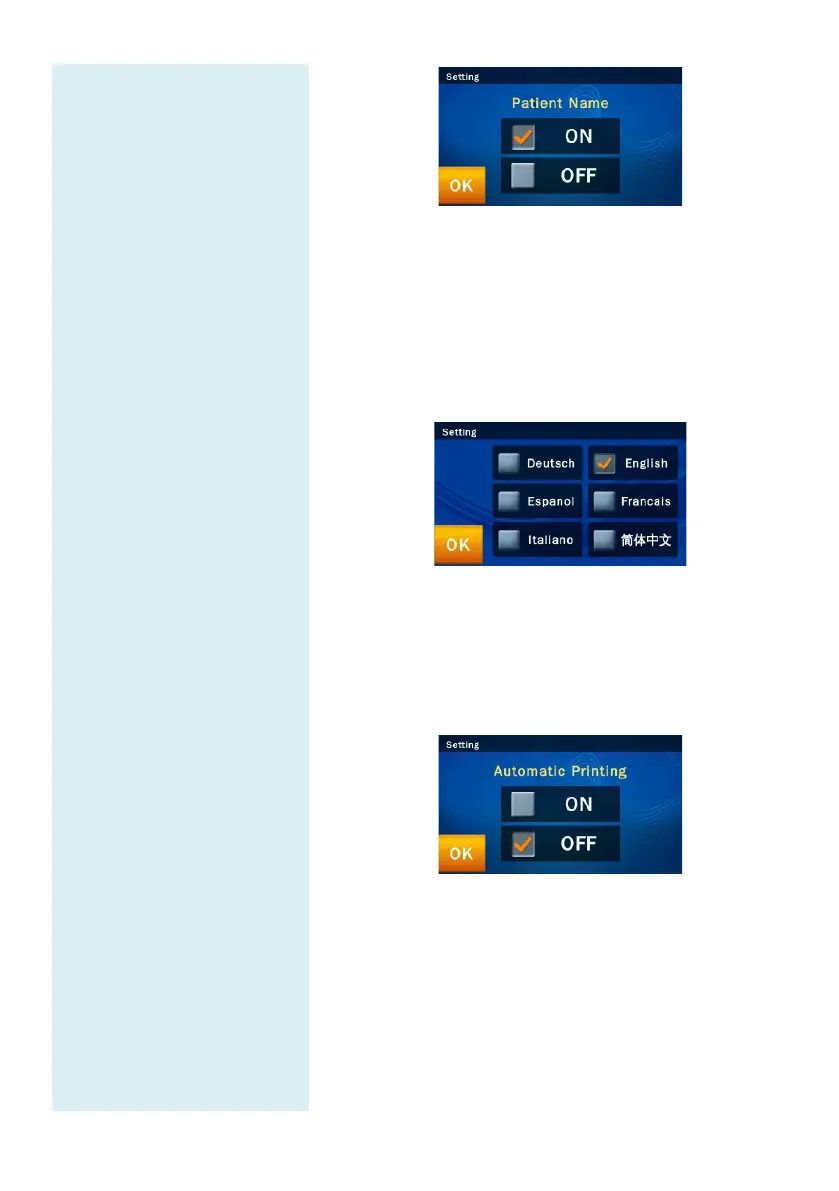
5.2.18 Language
The skyla
TM
Clinical Chemistry Analyzer
provides the
user interface in six languages: Deutsch, Espanol,
Italiano, English, Francais, and Simplified Chinese.
The
administrator can click “OK” to select according to the
need, and the system can automatically switch.
5.2.19 Automatic Printing
If you turn on the
automatic printing option, after the
completion of tests, the skyla
TM
Analyzer will automatically print the test report.
5.2.20 Save Log to USB
When there is any error, please use this function to save
system log to a USB drive and provide the log file to
authorized technical support department.
Under Administrator Settings, select the “Save Log to
USB” icon.



 To Next Page