4-6
Access “HELP”
information
Press the on-line help
icon to browse operational
information of the system.
4.2 Help Information
The skyla
TM
Clinical Chemistry Analyzer
user interface that is easy to understand and simple
operate
. No prior training is required. The system is also
equipped with a “HELP”
function which aids users in
understanding all of the system functions.
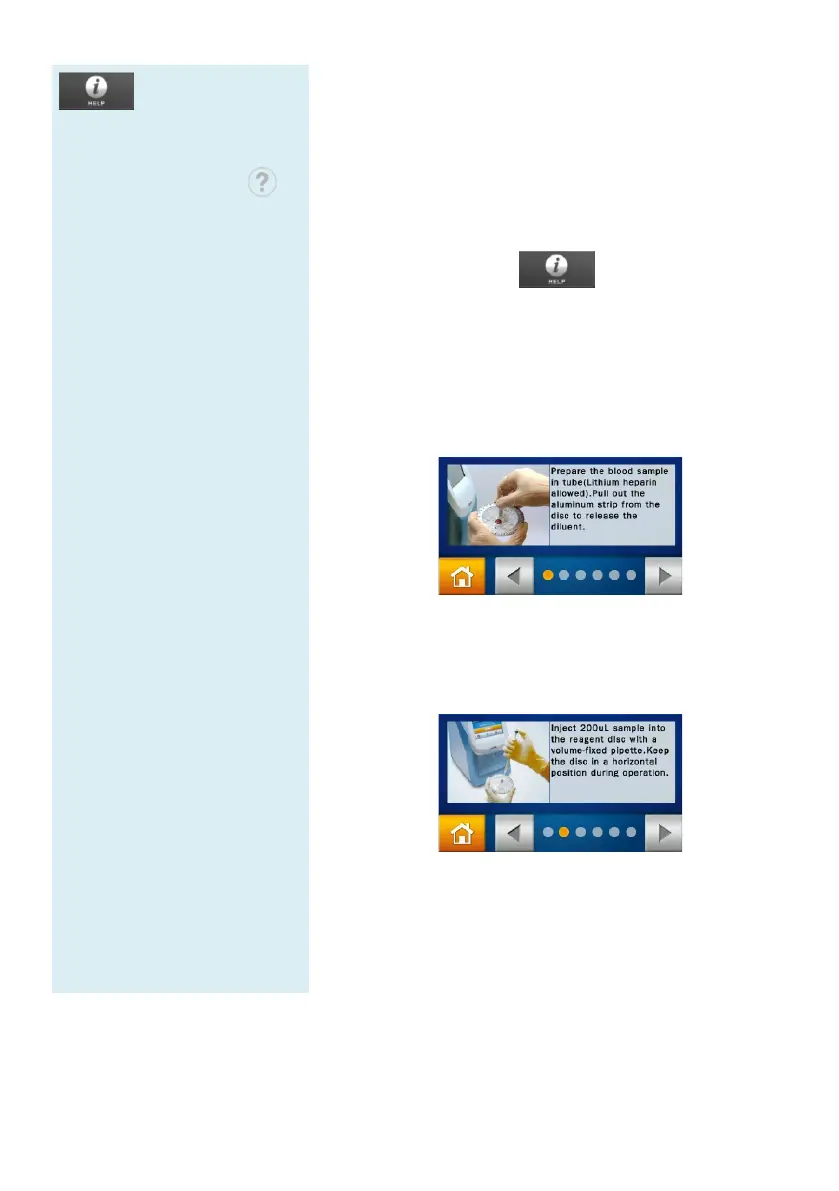
Select the “HELP” icon to refer to the
quick guide of the skyla
TM
Clinical Chemistry
Analyzer. The important operational information is as
follows:
1.
Prepare the sample in a tube. Remove
from the disc for releasing the sample diluent.
2. Collect 200 μL of the sample and dispense it
the reagent disc with a micro
in a flat position.
3. Press the “START”
icon to open the disc drawer.
Gently place the reagent disc in the tray with
barcode facing up. Follow the instructions
screen to start the test.



 To Next Page