5-7
5.2.2 Date & Time
Please adjust
the system to the local time before testing.
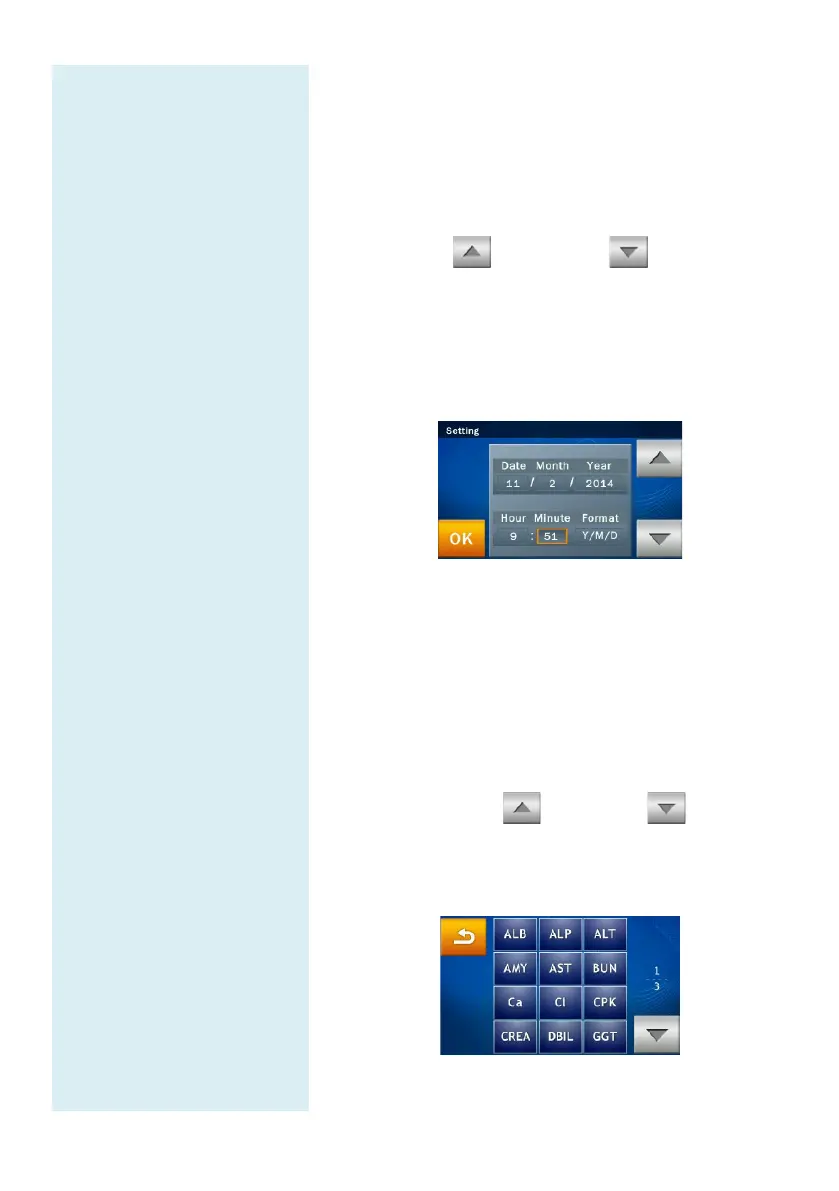
Under Administrator Settings, select “Date & Time”.
When the Date & Time menu appears, select the edit
box (Date, Month, Year, Hour, Minute, Format) and
use the up and down arrow keys to
adjust the Date & Time.
There are three options for Date format: Y/M/D,
D/M/Y, and M/D/Y.
Select “OK” to save the changed settings.
5.2.3 Reference Range
The administrator can change the reference r
the factory. The administrator can also re-
adjust the reference range if necessary. Custom reference
range can also be cancelled.
Under Administrator Settings, select the “Ref.
Range” and inspect the analyte list.
View the analyte list: If the analyte list covers 2
pages, use the Up and down arrow keys
to change page. Select any item from the menu and
the next step will be shown on screen for the
administrator to edit.



 To Next Page