4-2
Enter the administrator password.
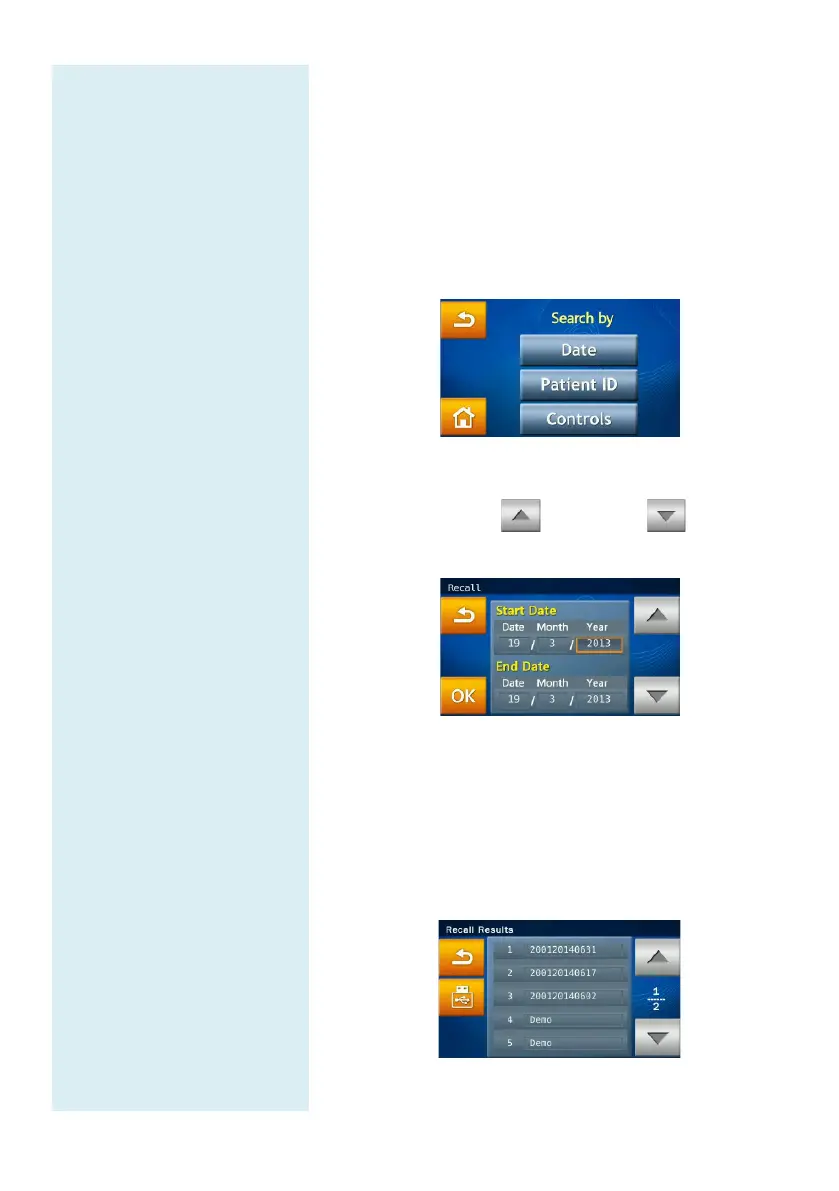
The administrator can search test records by “Date”
or “Patient ID”, or press the “Controls” icon to search
quality control test records.
To search for results by “Date”:
Press the “Date” icon to access the date and time
input panel.
When the change date/time option is displayed on
screen, press any number to activate the edit mode.
Please use the up and down arrow keys
to adjust the year, month, and day.
After selecting the dates, press the “OK” icon to
begin the search. Test records which match the search
parameters will be displayed and can be identified by
their patient ID numbers. The results sorted by the
patient ID numbers will be displayed in chronological
order.



 To Next Page