4-3
Use the up and down arrows to select the
desired report.
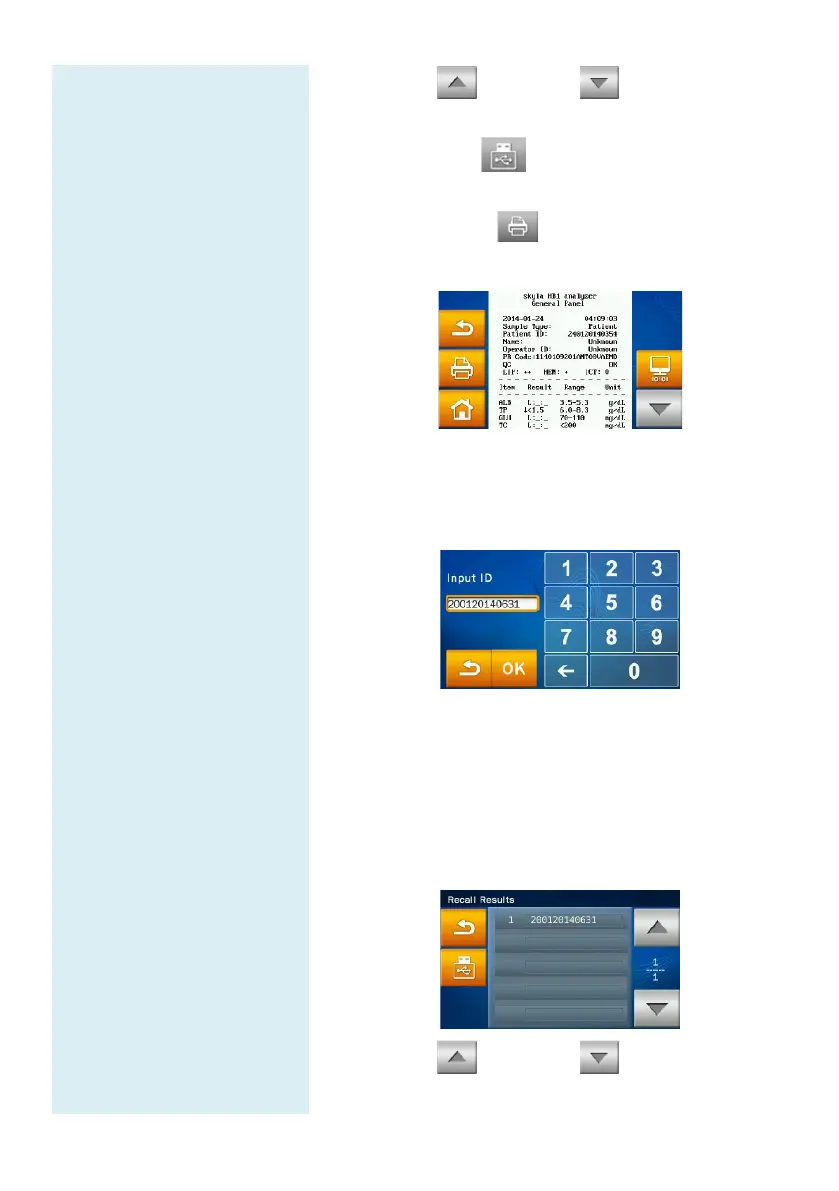
Press the USB icon to export and save the
selected data to USB.
Press the print icon when the report is
displayed on screen to print the report.
To search for results by “Patient ID”:
Press the “Patient ID” icon to activate the input
screen.
Use the number pad to enter the patient ID.
Press the “OK” icon to begin the search.
Test record fit to the ID will be displayed on screen.
Test records that meet the search criteria will appear
on screen.
Use the up and down arrows to select the
desired report.



 To Next Page