Sirius 800 www.snellgroup.com Module Maintenance
Issue 1 Rev 1 Page 59 © 2014 Snell Limited
11. Select the Options page from the top-left of the screen.
Select Overwrite the existing database and Leave the database ready to
use…(RESTORE WITH RECOVERY).
12. Click OK.
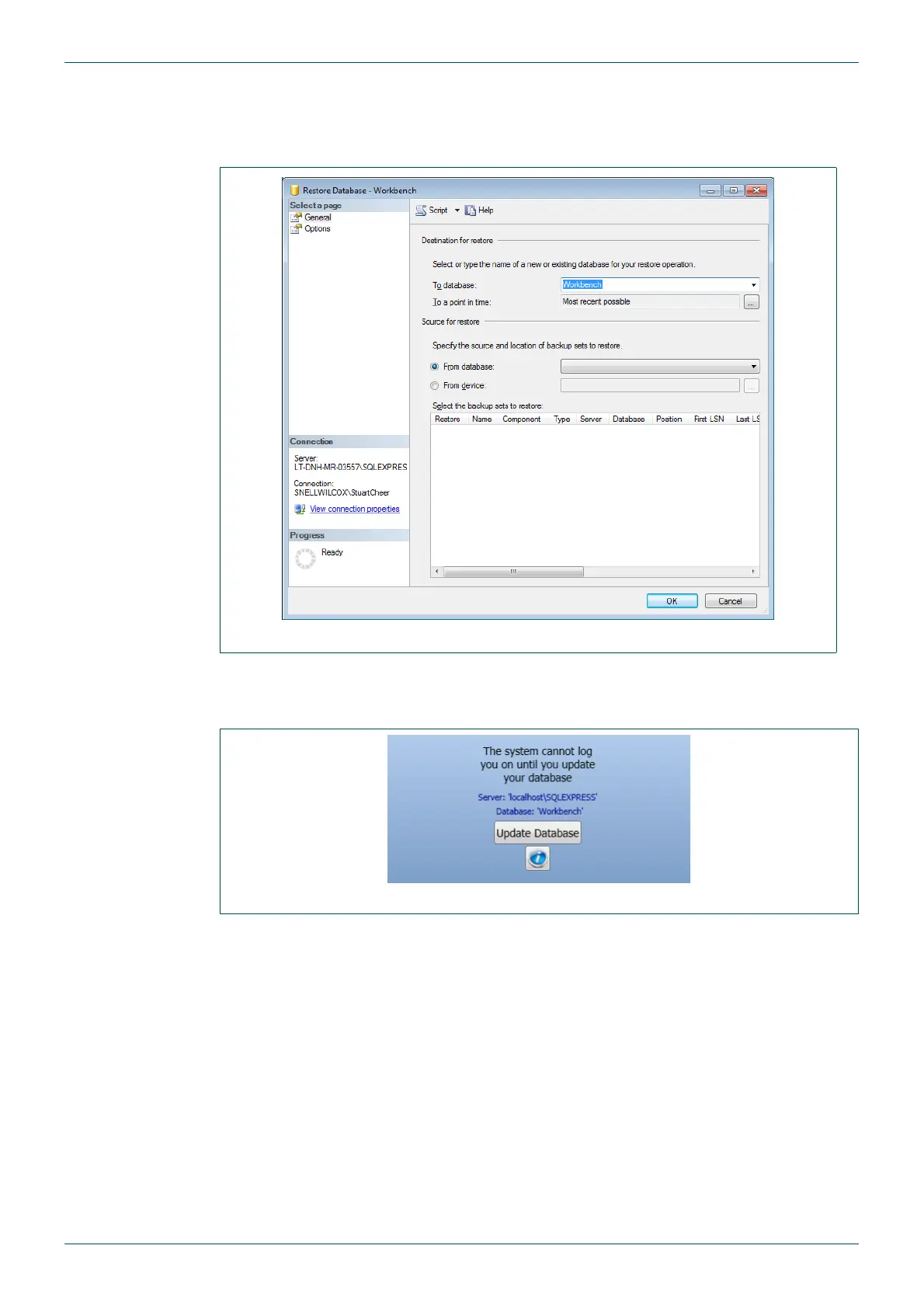
13. Start Workbench, the database needs to be updated. Fig 30. shows the initial screen.
Fig 29. Restore Options
Fig 30. Update Database



 To Next Page