Sirius 800 www.snellgroup.com Door PC Maintenance
Issue 1 Rev 1 Page 82 © 2014 Snell Limited
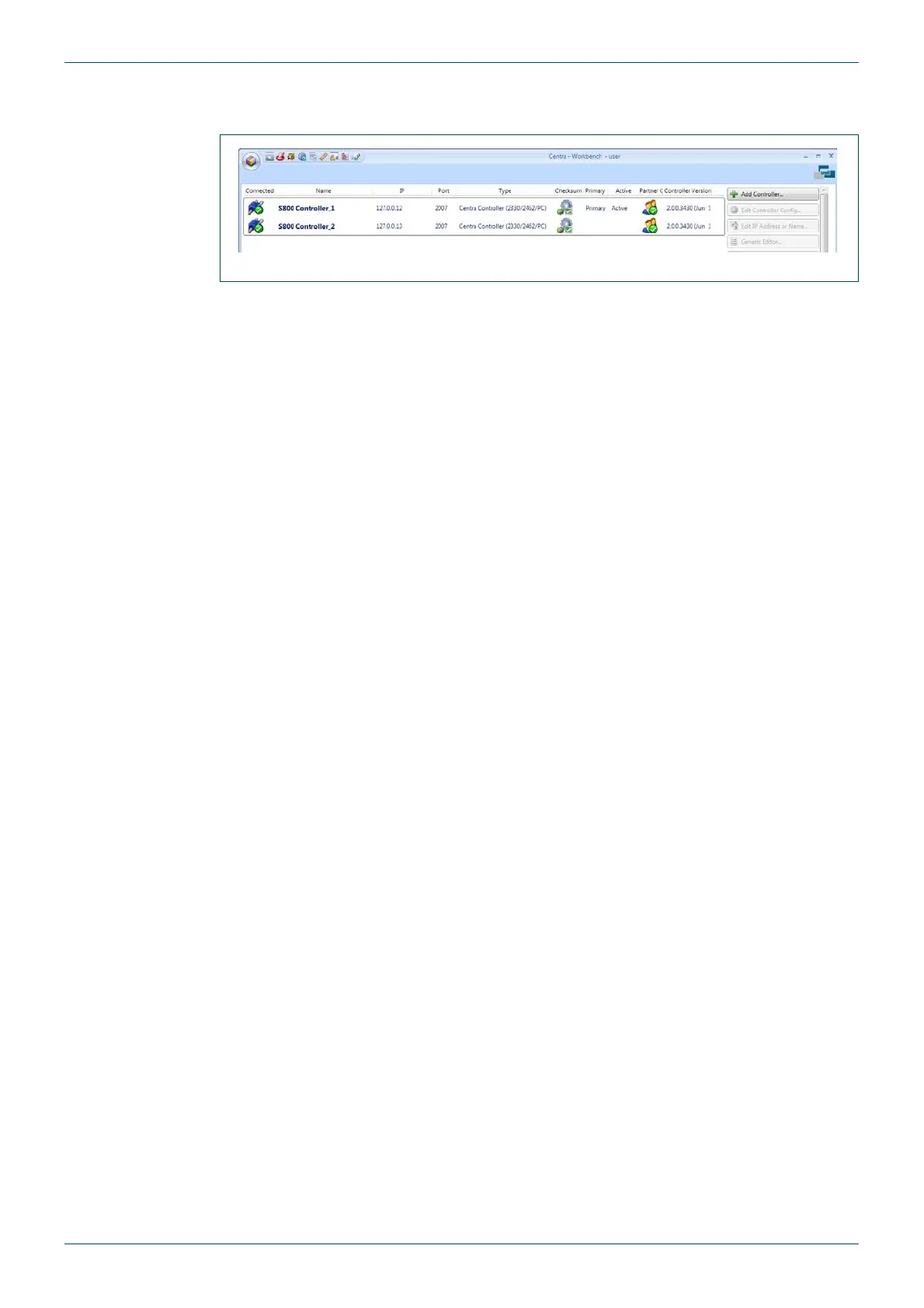
12. Check that the Nucleus controllers are connected to Workbench and are running
correctly. The example in Fig 42. shows a dual controller system.
13. Close Workbench and restart Live Runner. Check that Live Runner is working
correctly.
14. Remove the USB mouse and keyboard from the Door PC to complete the upgrade.
Fig 42. Workbench Controller Screen



 To Next Page