- 104 -
8 Appendix
The configuration methods below are only applied to HM201.
8.1 Upload / Update Handset Screen Wallpaper for HD1
HD1 is the color display handset of HM201.
Handset Screen Wallpaper Requirements
◼ File format: bmp (e.g. wallpaper1.bmp)
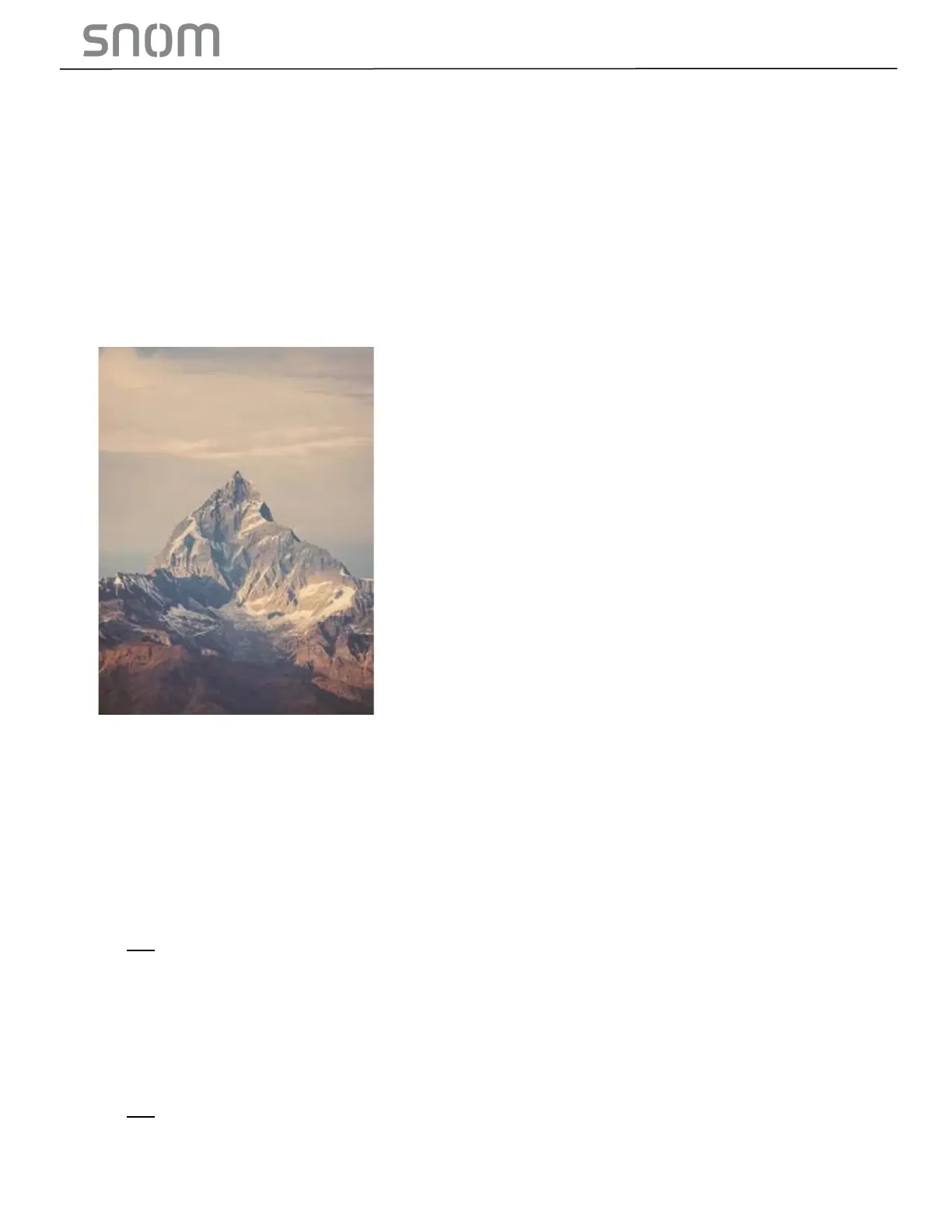
◼ Resolution: 240x320 / Color depth: 24bit
◼ Example:
Set Wallpaper’s URL
◼ Set the new wallpaper’s URL (See Setting: file.hs_idle_logo on page 89 in Section 6.6.2
Handset Settings ("hs_settings" Module)
◼ Example: file.hs_idle_logo = http://www.yourcompany.com/wallpaper1.bmp
Upload/Change Wallpaper
◼ Import a configuration file with the line of the new wallpaper’s URL via web portal from your
computer or your local network (See Section 3.4.4.5 Import Configuration)
OR
◼ Use auto-provisioning (See Section 3.4.4 Provisioning)
8.2 Upload/Update Firmware for HM201 Only
Upload/update by
◼ Color handset firmware box (See Section 3.4.3.2 Manual Firmware Update and Upload)
OR
◼ Auto-provisioning (See Section 3.4.4 Provisioning)



 To Next Page