SIP Phone Configuration Guide
- 25 -
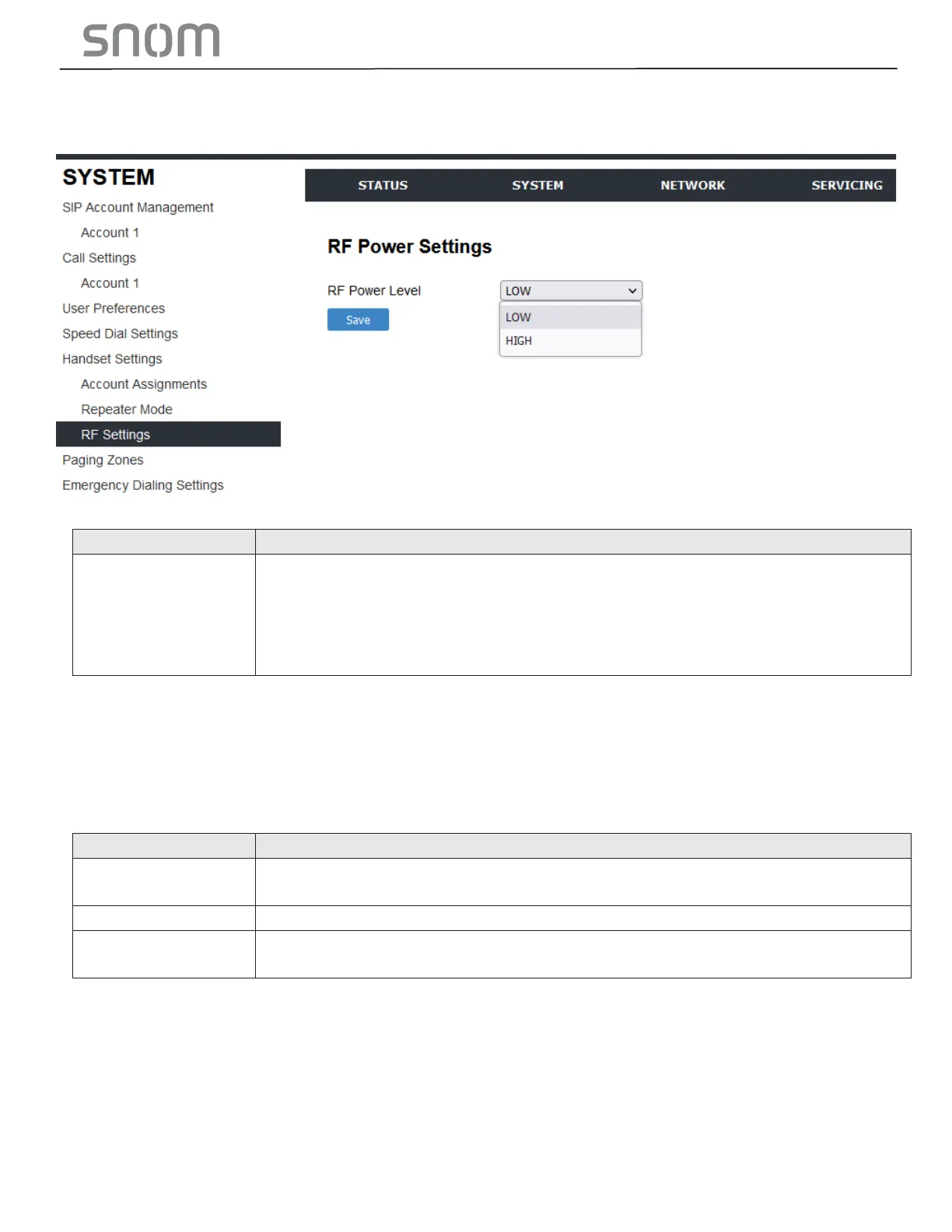
3.2.5.2 RF Power Settings
On the RF Power Settings page, you can select the RF power level of the telephone.
Set the DECT RF power level. Choose either High or Low, depending on the
hotel environment.
If there are interferences caused by phones among hotel rooms, choose Low.
If there are interferences caused by other electronic devices from the
environment, choose High.
3.2.6 Emergency Dialing Settings
On the Emergency Dialing Settings page, you can enable/disable and configure the Emergency
Dialing feature.
If enabled, and the telephone goes off hook for a period of time specified by the Delay timer, the pre-
defined Phone Number will automatically be dialed.
Enable or disable Emergency Dialing. Select to enable.
Set the phone number to be dialed by the Emergency Dialing feature.
Set the delay (in seconds) between the phone going off hook and the phone
number being dialed.
3.3 Configure Network Pages
You can set up the HD10X for your network configuration on the Network pages. Your service provider
may require you to configure your network to be compatible with its service, and the HD10X settings
must match the network settings.
The network settings are grouped into Basic and Advanced Settings. IPv4 and IPv6 protocols are
supported.



 To Next Page