- 60 -
5 Configure with Voice Menu
The Voice menu enables you to use the handset to query and change phone settings. To accomplish
this, follow the below steps:
1. Access Voice Menu:
• HD100:
When the phone is idle, press this key sequence on the handset: * * * *.
A digitized voice on the handset will announce Voice Menu options.
-OR-
HD101:
When the phone is idle, press this key sequence on the handset: TALK * * * *.
A digitized voice on the handset will announce Voice Menu options.
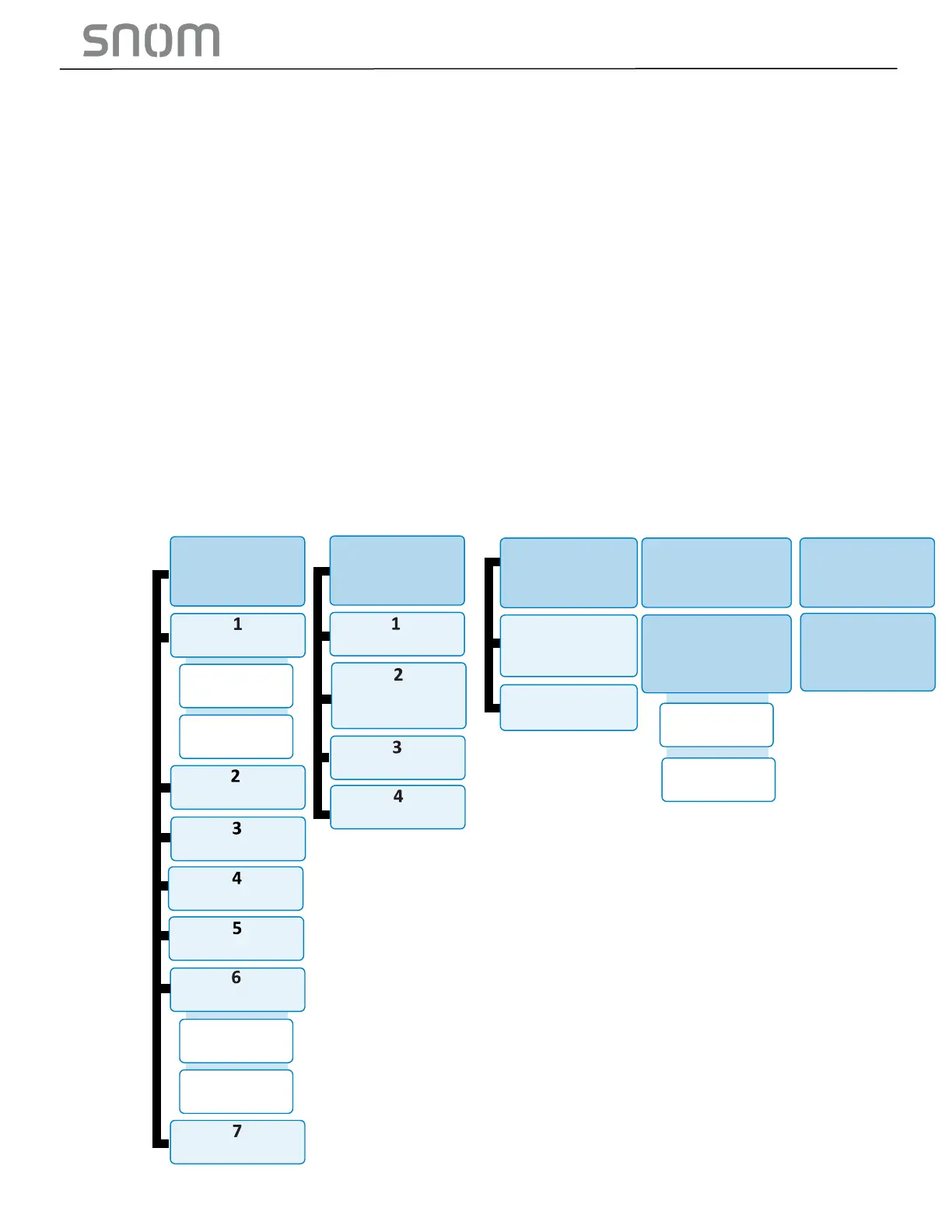
2. Query or configure with Voice menu:
• Press the number key on the handset to select the desired menu option, or enter
information, a list of menu options will be shown in the diagram below:
o HD100W, HD101:



 To Next Page