SIP Phone Configuration Guide
Enable fixed jitter buffer mode.
If Fixed is selected, enter the fixed jitter delay.
Enable adaptive jitter buffer mode.
If Adaptive is selected, enter the normal or “target” delay.
Enter the maximum delay. This time, in milliseconds, must be at least twice
the minimum delay.
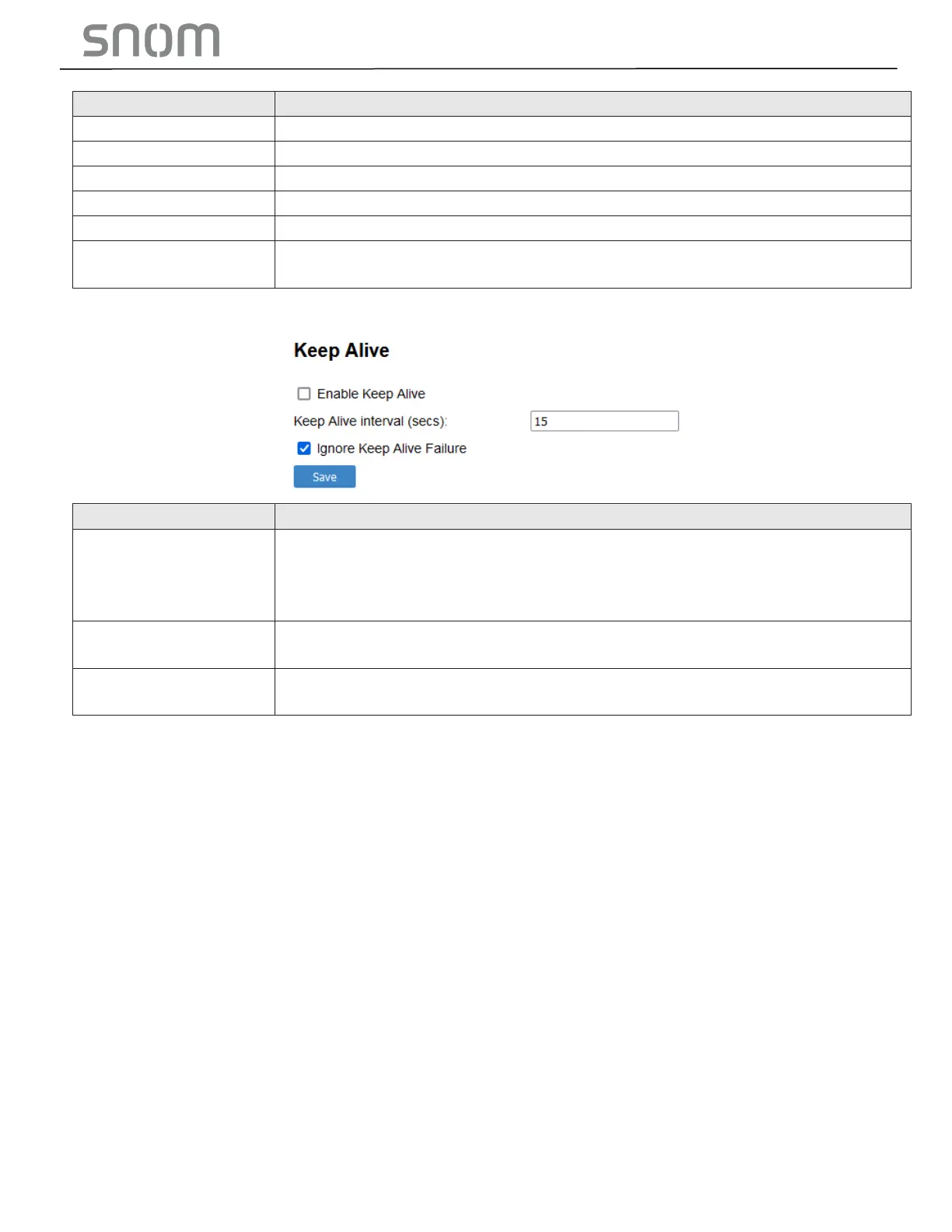
Enable SIP keep alive in service of NAT traversal and as a heartbeat mechanism
to audit the SIP server health status. Once enabled, OPTIONS traffic should be
sent whenever the account is registered. OPTIONS traffic will occur
periodically according to the keep-alive interval.
Keep Alive interval
(sec)
Set the interval at which the OPTIONS for the keep-alive mechanism are sent.
Ignore Keep Alive
Failure
Enable the phone to ignore keep-alive failure, if the failure can trigger account
re-registration and re-subscription (and active calls are dropped).



 To Next Page