SIP Phone Configuration Guide
Enables or disables Link Layer Discovery Protocol for Media Endpoint Devices
(LLDP-MED). LLDP-MED is a standards-based discovery protocol supported
on some network switches. It is required for auto-configuration with VLAN
settings.
Set the LLDP-MED packet interval (in seconds).
3.3.2.3 802.1x
This section has been updated.
Enables or disables the 802.1x authentication protocol. This protocol allows the
phone to attach itself to network equipment that requires device authentication
via 802.1x.
Enter the 802.1x EAPOL identity
Enter the 802.1x EAPOL MD5 password
3.4 Configure Servicing Pages
On the Emergency Dialing Settings page, you can enable/disable and configure the Emergency
Dialing feature.
If enabled, and the telephone goes off-hook for a period of time specified by the Delay timer, the pre-
defined Phone Number will automatically be dialed.
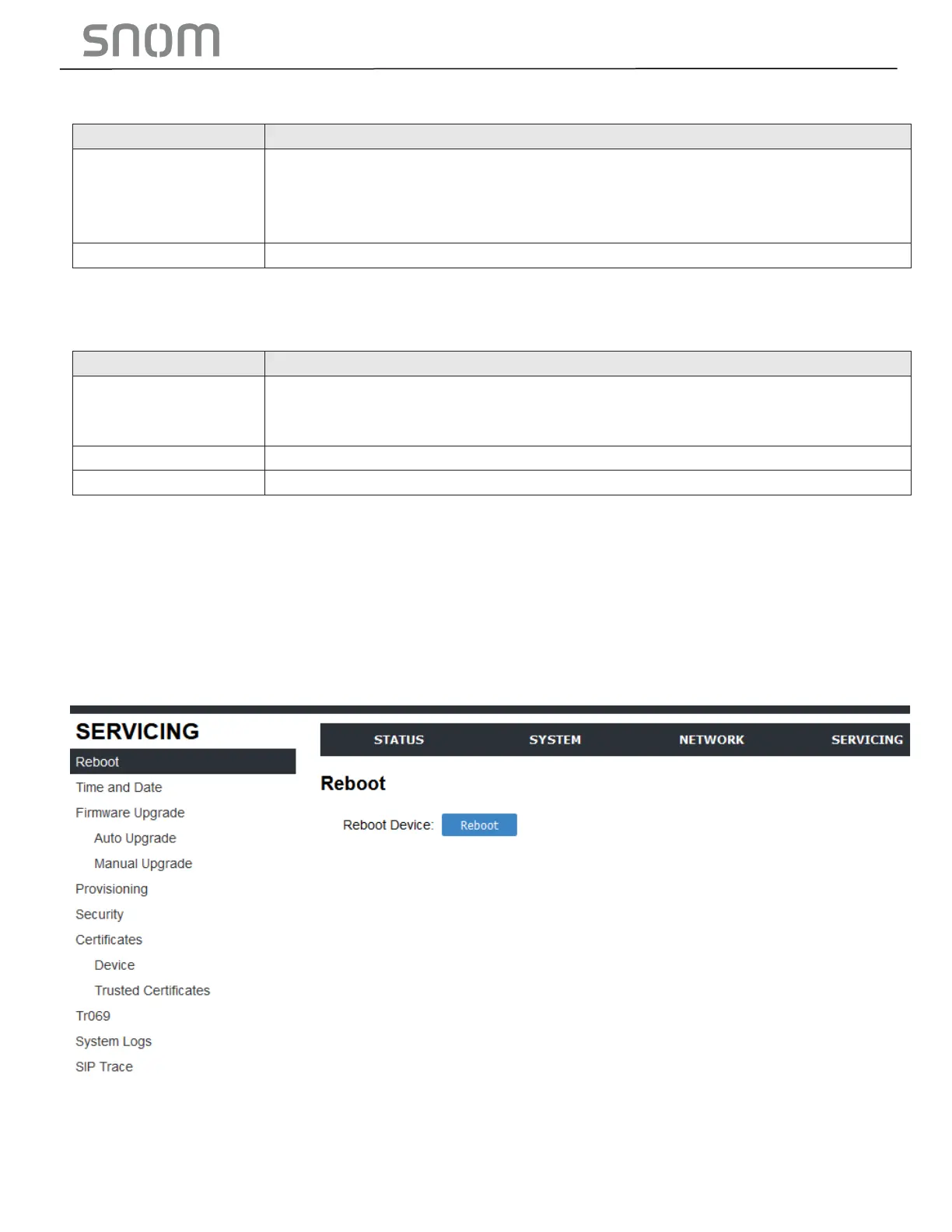
3.4.1 Reboot
To manually reboot the HD10X and apply settings that you have updated, click REBOOT.



 To Next Page