SIP Phone Configuration Guide
- 21 -
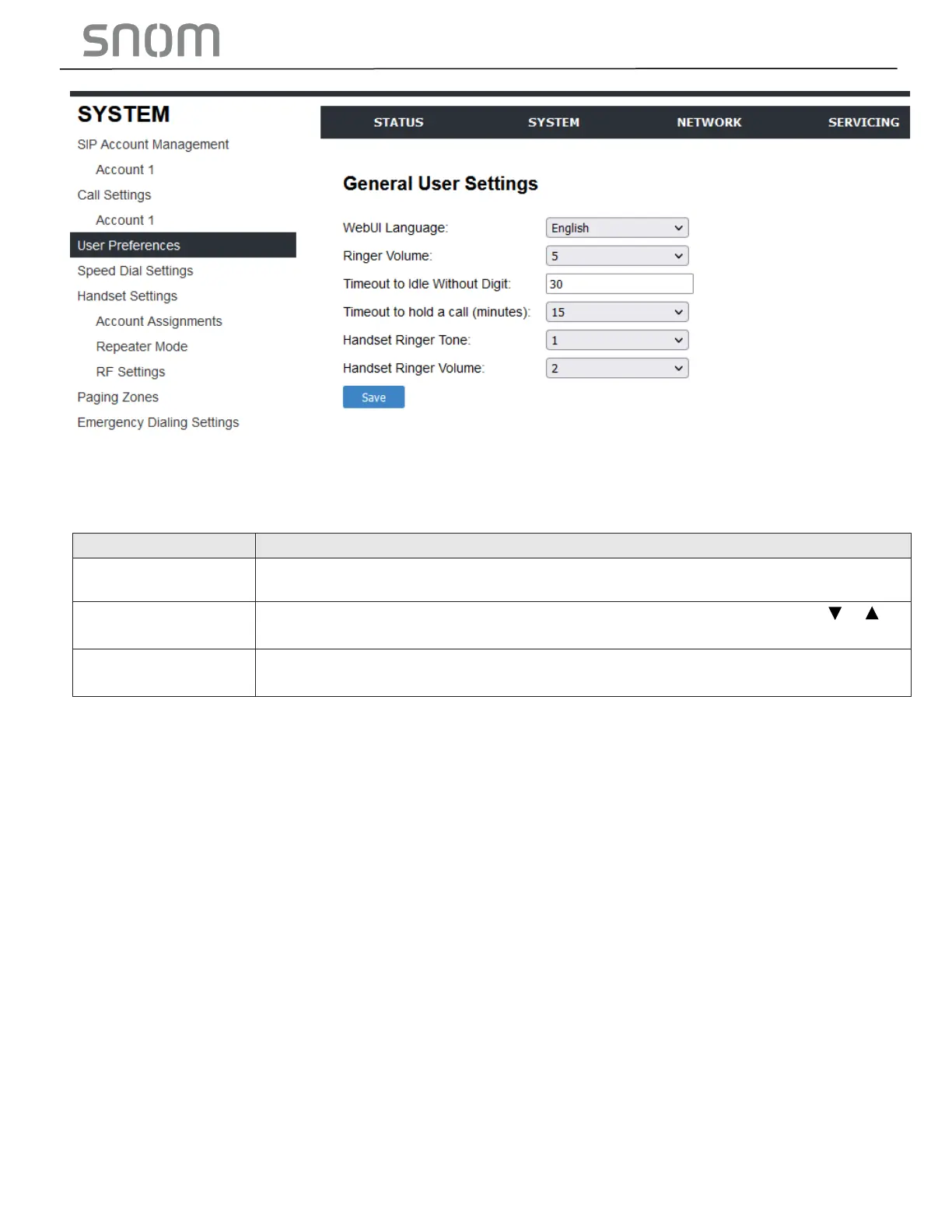
3.2.3.1 General User Settings
Click the link for each setting to see the matching configuration file parameter in Section 6.6.
Configuration File Parameter Guide. Default values and ranges are listed there.
Set the language that appears on the Web Portal.
Set the ringer volume for incoming calls. You can also use the VOLUME or
keys on the HD10X.
Timeout to Idle
Without Digit
Set the timeout (in seconds) after the phone goes off hook and no digits are
input. After the timeout, the phone returns to idle mode.
3.2.4 Speed Dial Settings (all the models except HM201)
On the Speed Dial Settings page, you can enter up to 10 speed dial numbers for the telephone base and
2 speed dial numbers for the cordless handset.
To dial a speed dial number, press the desired speed dial key on the telephone base or the cordless
handset.



 To Next Page