- 33 -
2. When you are finished with the Voice menu, place the handset in the cradle.
Note: If you change any network settings, your phone will automatically reboot. This will enable
your new settings to take effect.
3.3.1.4 Note on Wi-Fi Access Point Setting for SIP Network
1. Use bridge mode not NAT mode
2. Enable SIP ALG (Application Layer Gateway) if available
3. Use Dual band (2.4G & 5G)
4. Disable DFS setting (dynamic frequency selection)
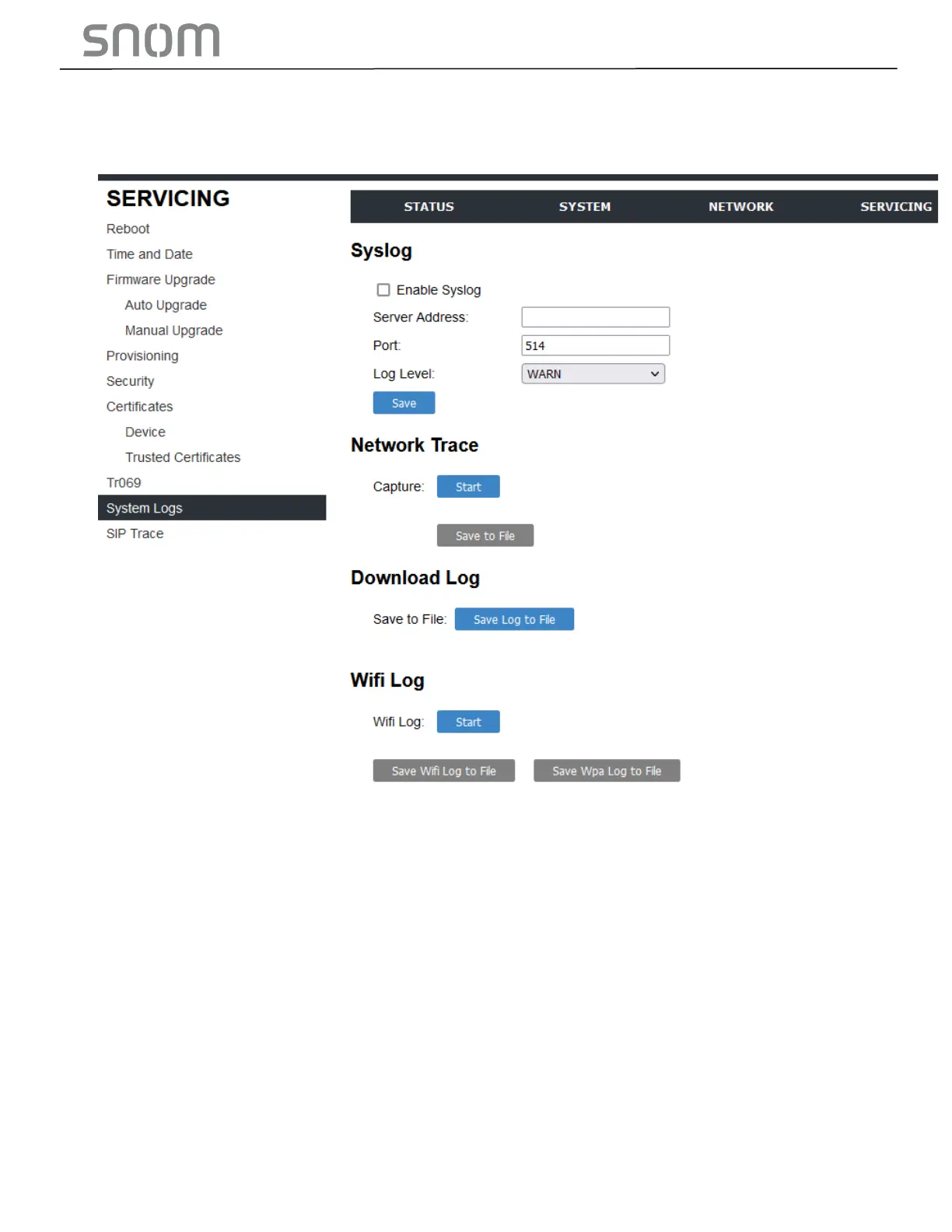
3.3.1.5 Download Wi-Fi log
If the phones cannot connect to the Wi-Fi network, please download a Wi-Fi log under System
Logs and send it to technical support.



 To Next Page